

Instagram Stories: the tools, the stickers and how we'd use them
A practical Stories guide for creators and small sellers: posting, Highlights, the stickers worth using, scheduling, and a week of stories we'd actually run for a shop.
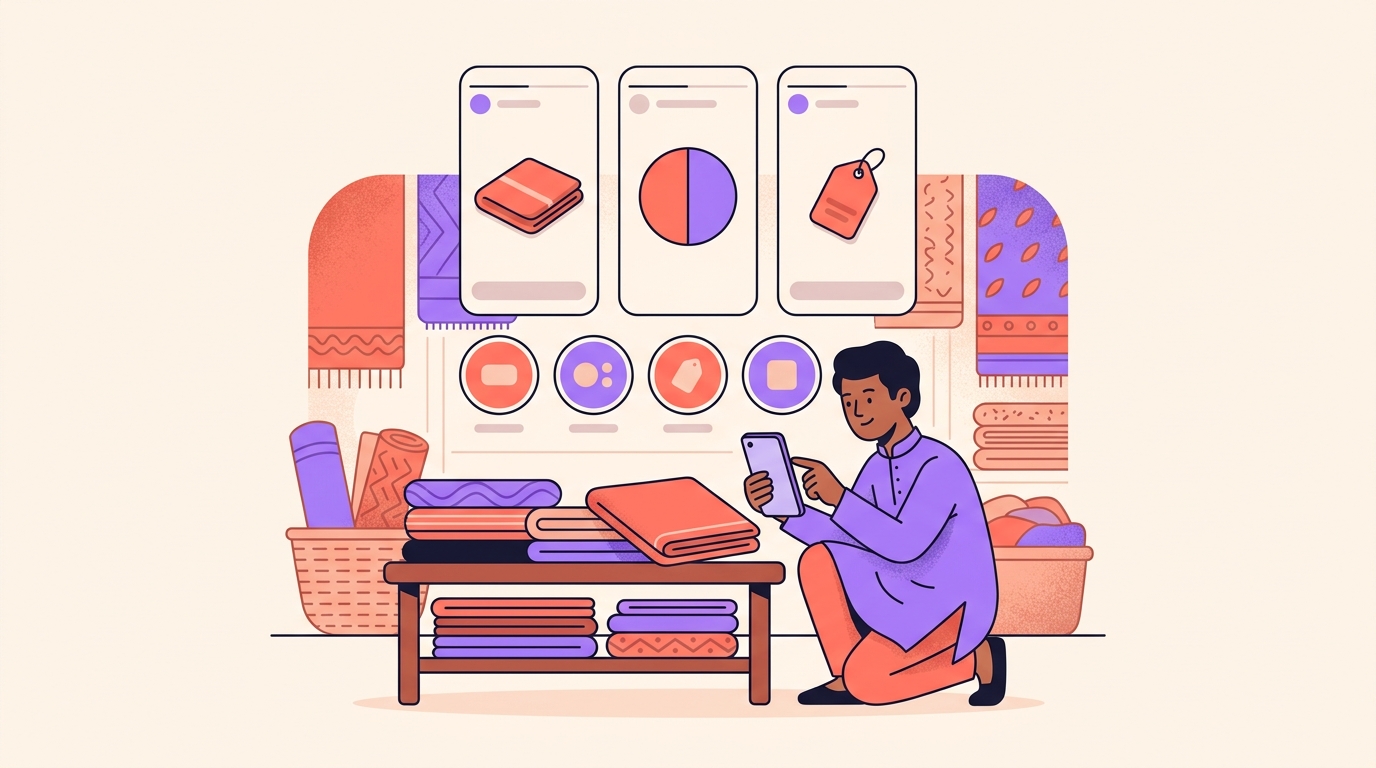
Stories are short vertical photos and videos that stay up for 24 hours, sitting at the top of the feed in the circles around profile photos. They disappear on purpose, which is exactly why they're the easiest thing to post: there's no pressure to make one perfect.
For a small shop, we think it's the most useful surface on Instagram, because it reaches the people who already know you and lets them reply. Here's the toolkit, and then how we'd actually use it with ten minutes a day to spend.
How do I post a story on Instagram?
About three taps, start to finish:
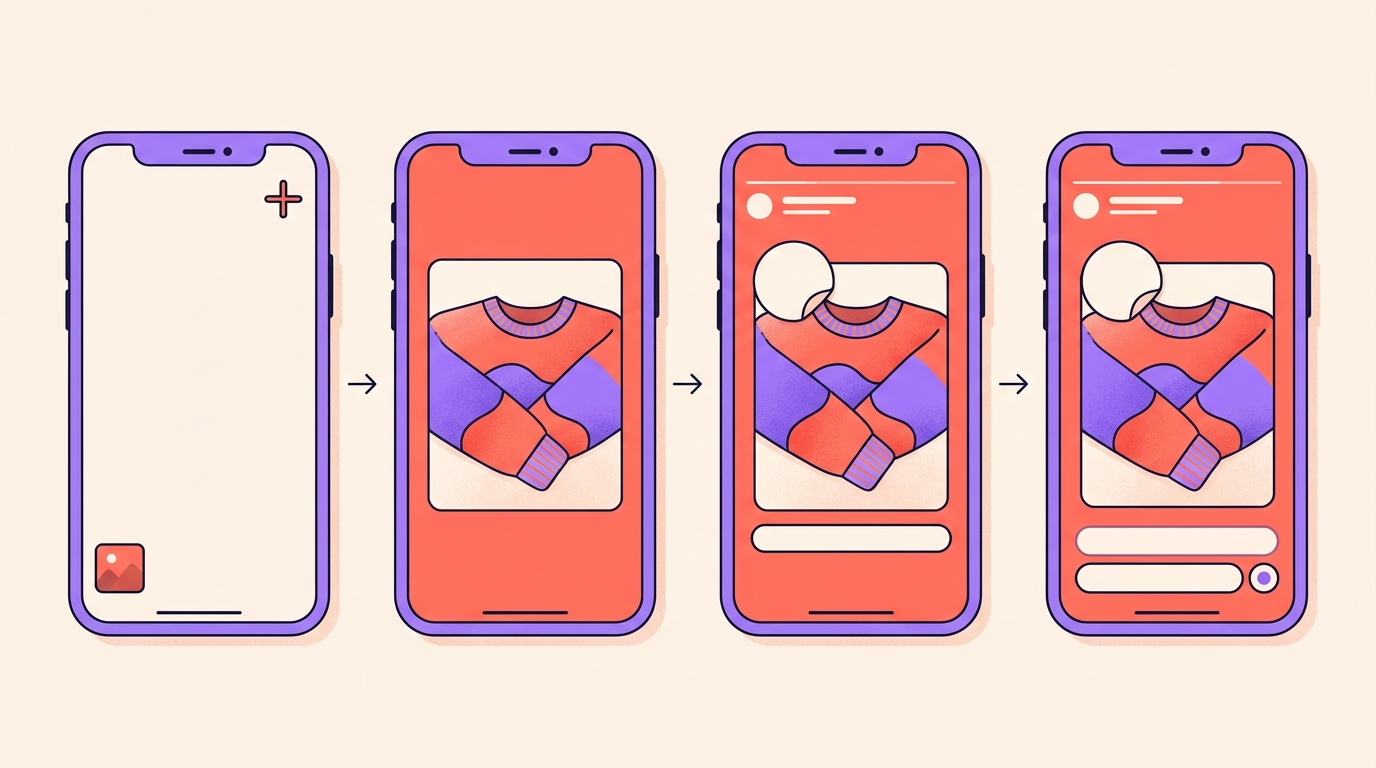
- Open Instagram and tap the plus in the top-right corner, or swipe right from your feed to open the Stories camera.
- Capture something with the camera, or tap the gallery icon in the bottom-left to upload a photo or video from your camera roll.
- Edit it. Add stickers from the sticker tray, type with the text tool, draw with the brush, or apply a filter or effect.
- Tap Your story at the bottom to share with everyone who follows you, or tap Close friends to share only with the people on that list. You can also send it straight to specific people by DM.
To set up your Close Friends list, go to your profile, tap the menu icon and select Close friends. You can add or remove people whenever you like, and for a shop we'd put repeat buyers and your most talkative followers on it.
How long do stories last, and who sees them?
24 hours from the moment you post, after which a story leaves your profile and your followers' feeds. A regular post, by contrast, stays until you archive or delete it.
A single clip can run up to 60 seconds. Anything longer is split into back-to-back clips automatically, so the whole thing still plays through, and there's no daily limit on how many stories you post.
To see who watched, open your own story and swipe up. That viewer list is available for up to 48 hours after you post, and the view count includes replays, so a bigger number than the list of usernames is normal rather than a glitch.
Nobody is notified when someone screenshots a regular story. The exception is disappearing photos and videos sent in DMs, which do trigger a notification. After 24 hours your stories are saved to a private Stories Archive that only you can see: profile, menu icon, then Archive, where you can browse by date.
How do I save stories to Highlights?
A Highlight keeps a story on your profile permanently, until you remove it. We use two routes in, depending on whether the story is still live.
- From a live story: open it, tap the three dot menu, then tap Highlight at the bottom and either add it to an existing Highlight or create a new one.
- From your archive: go to your profile, tap the menu icon in the top right, tap Archive, find any past story and add it to a Highlight from there.
Highlights show up as round covers under your bio. Give each one a clear name and a custom cover, because in our experience they're browsed at a glance and never read properly.
Which stickers earn their place for a small shop?
Open the sticker tray by tapping the smiley icon in the top toolbar once you've captured or uploaded something. You'll find music, GIFs, location and mentions, plus Add Yours, Cutouts and Effects. These are the ones we'd use most:
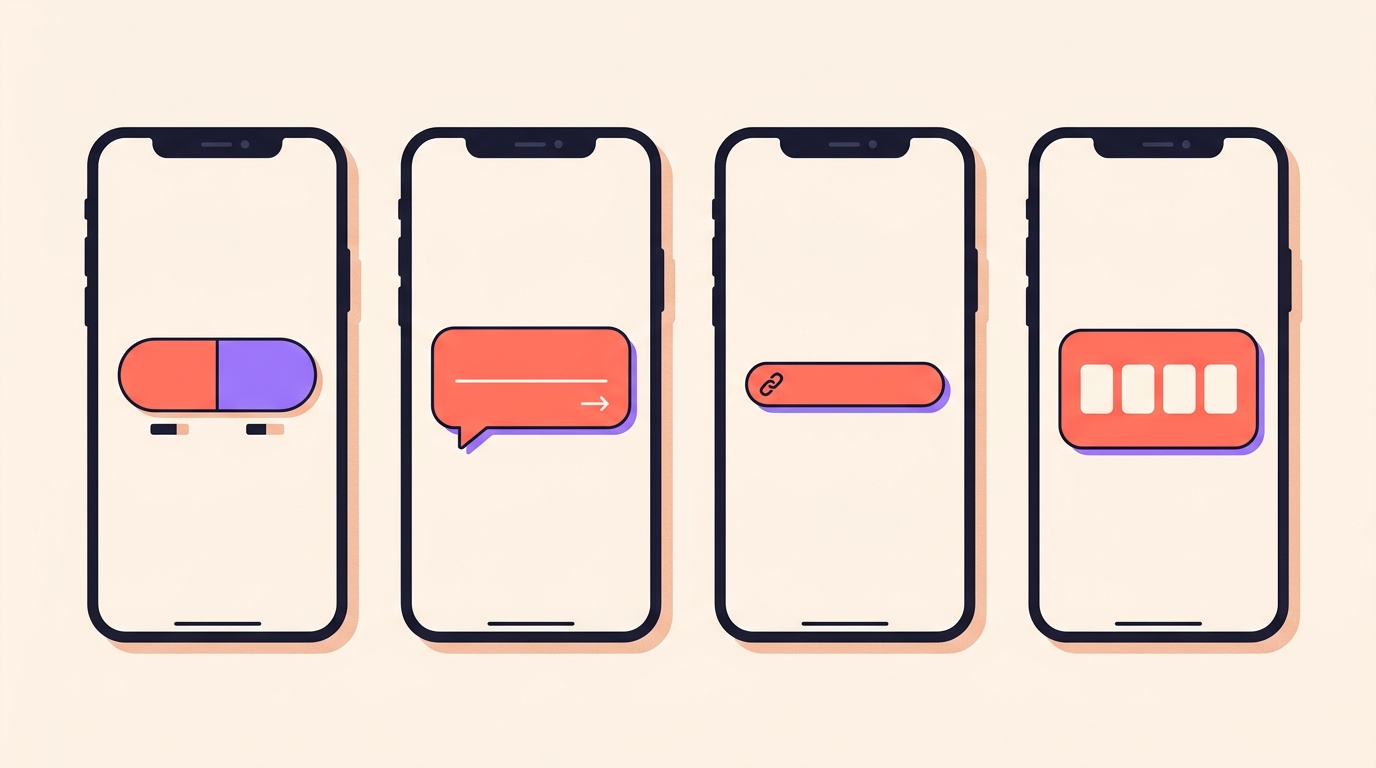
- Poll: one question, two answers, results updating in real time. Ask which colour to restock and you get a decision and a reply at the same time.
- Quiz: four answers with one correct. Good for "guess the price" or "which of these is handmade".
- Questions: people type a response that comes to you privately, and you can share it anonymously in a follow-up story. This is where "kitne ka hai" turns into one public answer instead of forty DMs.
- Link: paste any URL and rewrite the sticker text so it reads like an invitation, such as "shop the look" or "read the recipe".
- Countdown: set the date, time, name and colour. People can subscribe and get a notification when it ends, which is the closest thing Stories has to a reminder for a drop.
- Music: search a song or browse trending, then drag the highlighted lyrics to the moment you want. Tap the vinyl to switch between sticker, lyrics-only and full cover.
- Add Yours: a prompt other people respond to, chaining their stories into a thread anyone can join.
Forgot to tag someone? You can still mention them after the story is up: tap the three dots for More, then Add Mention. The emoji slider, Frames and Cutouts are worth a look too, once the basics are habit.
What do Layout, Collage and AI restyling do?
Layout splits one story frame into a grid of up to 6 photos. Tap Layout in the side toolbar before capturing, choose your grid, then shoot or upload a photo for each panel. It's the fastest way to show three angles of one product, or a before and after.
Collage is the AI-powered version: give it 5 or more photos and it arranges them into an animated collage with movement and style. A whole shoot day fits into one slide that way. The photo sticker does something smaller, layering extra photos on top of your background.
Templates save us the thinking on a slow day. Tap Add Yours at the top of the gallery selection page for trending prompts, or use the Add Yours sticker in the tray to build your own for others to fill in.
Restyling uses Meta AI on what you've already shot: film presets for a grainy analog look, illustration styles that turn a photo into a sketch or a watercolour, and text restyle, where you type your words, tap the A* icon and either pick a preset or describe the look you want. The newer AI effects in Stories sit alongside these.
One old trick we still use for price cards: take any photo, tap the brush, pick a colour, then tap and hold the screen to flood the background. Erase a patch to reveal the product underneath.
Can I schedule stories ahead of time?
Yes, if your account qualifies. Build the story as usual, and before sharing tap the more options menu, the three dots. Tap Schedule, choose your date and time, and confirm. It lands in your scheduled content list and goes out on its own.
Scheduling is available to accounts that meet the eligibility requirements, so it may not be there for you yet, and the path can shift as the app updates. You can also post from a computer: open instagram.com, sign in and click your profile photo in the top-left, though some stickers are mobile-only.
What would a week of stories look like?
Here's the rhythm we'd run for a small shop. Nothing in it takes more than ten minutes a day, and none of it needs a plan written in advance:
- Start the week with what's new. One clear photo of today's stock, one poll sticker: which colour next.
- Show the work in the middle of the week. The packing table, the tailor, the kitchen at 6am. This is the stuff people reply to.
- Run a questions sticker once a week. Ask for sizes, shipping, anything, then answer the repeated ones in a follow-up story so you only type it once.
- Give one product a proper slide. A Layout grid of three angles, then a link sticker to the exact page.
- Put a countdown on anything with a date: a drop, a live sale, the last day to order before a festival.
- On Sunday, open your archive and move the best of the week into Highlights. That's your shelf built for free.
- Reply to every story reply. A reply is a DM, and a DM is where an order actually happens.
Stories are not for being discovered. They are for being remembered by the people who already found you.
How long do Instagram Stories last?
24 hours from the moment you post. After that they leave your profile and your followers' feeds, and are saved automatically to your private Stories Archive. Save one to a Highlight to keep it on your profile.
Can I see who viewed my Instagram story?
Yes. Open your own story and swipe up to see the viewer list, which is available for up to 48 hours after posting. The view count includes replays, so it can be higher than the number of usernames.
Does Instagram notify someone when you screenshot a story?
No, not for a regular story. Disappearing photos and videos sent in DMs are the exception and do trigger a notification.
How do I add a link to my Instagram story?
Open the sticker tray, tap Link and paste your URL. You can customise the sticker text so it reads like an invitation, and anyone watching can tap it to open the link.
How long can one Instagram story clip be?
Up to 60 seconds. A longer video is split into multiple back-to-back clips automatically, and there is no limit on how many stories you can post in a day.
None of this needs a content calendar. Post the thing you were doing anyway, put one sticker on it, answer the replies, and keep the good ones in Highlights. For the closest circle of all, Instants goes a step further.
Stories reach the people who already follow you. When a reel brings new people in and asks them to comment a word, Instoly replies to each commenter with a DM, so your story replies aren't the only place you're answering.
The takeaway
One photo, one sticker, one reply. Stories work when they are a habit, not a production.
Sources
Built for Instagram creators.
Instoly answers comments on your posts and reels with an automatic DM, through Instagram's official API. It also gives you a Store for the link in your bio, AI Studio for captions and try-on, and invoices built from your posts. The free plan includes 1,000 DM & comment credits a month.
Start free