

AI effects in Instagram Stories: what they do and who has them
Over 30 new AI effects transform a Stories photo with one tap, and they are available in the US only for now. What they do, where they sit, and the labelling question.
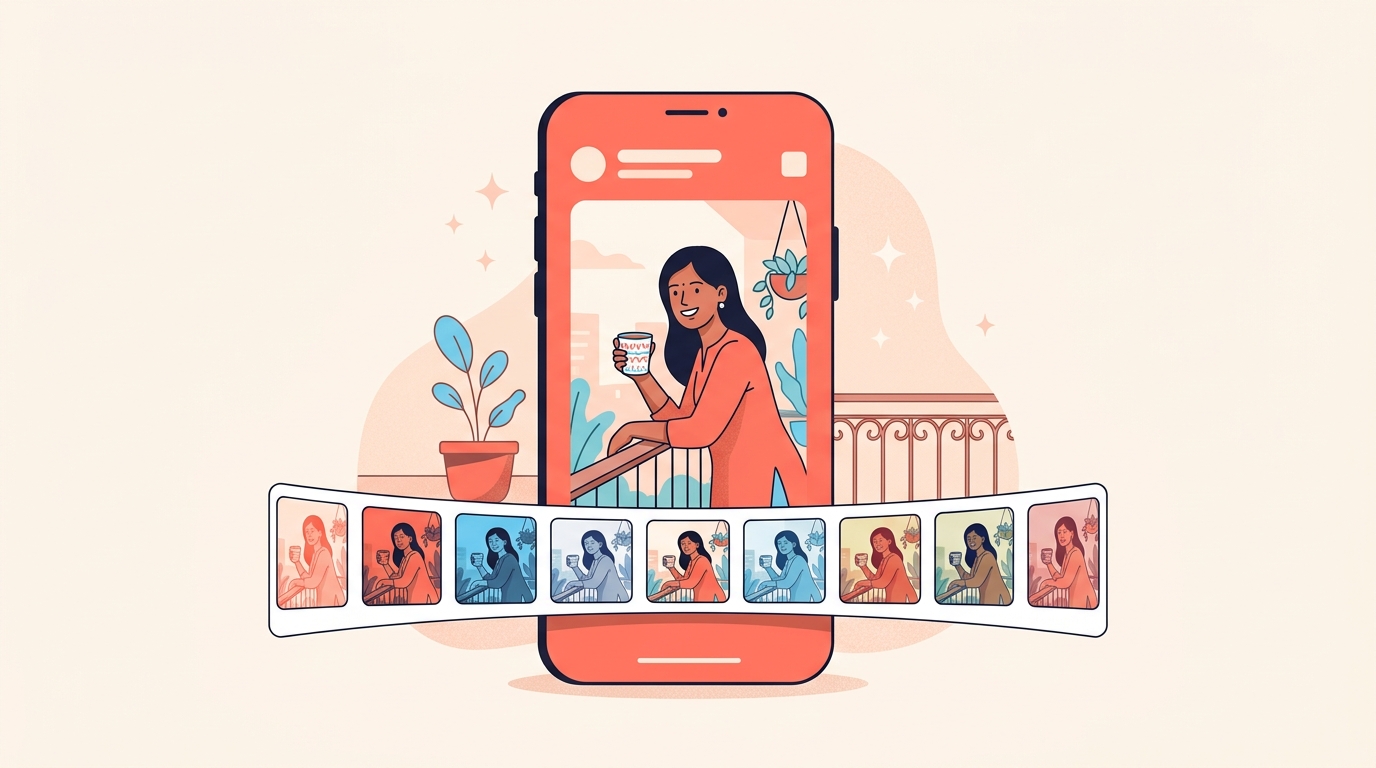
Instagram has added over 30 new effects in Stories that change a photo with a single tap, powered by Muse Image, the first AI image generation model from Meta Superintelligence Labs. These updates are available in the US only, so most accounts in India will not see them yet.
We still think they are worth reading about now, because the same tools are coming to more places and the decisions they force on a small shop do not change. Below: what the effects do, where they sit in the redesigned composer, how AI content gets labelled, and the setting that decides whether anyone can create with your photos.
What are the new AI effects in Stories?
They are one-tap transformations of a photo you have taken or picked from your camera roll. The model behind them can interpret the scene in your photo, including the lighting, composition and subject, and make edits that are meant to sit naturally in the picture rather than sit on top of it.
The named ones give you the range:
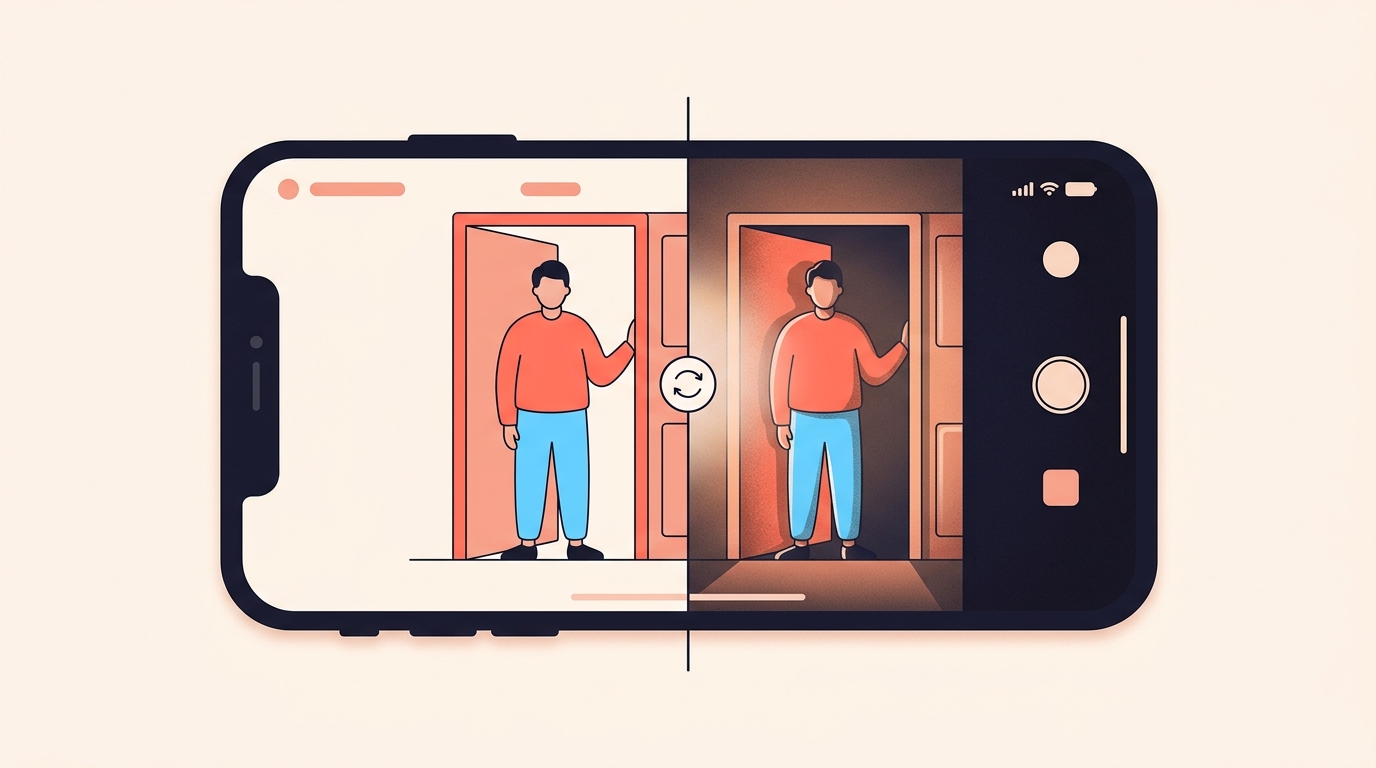
- Night Flash and Disposable, which enhance the lighting so a photo looks shot on a different camera.
- Puffer and Paper Doll, which try new looks on you.
- IG Charms, which turns your Instagram profile into a personalised keychain.
A curated set was developed with five creators, who worked with members of the Instagram team to build effects in their own styles. Those sit under the New tab in the effects carousel.
Are these AI effects available in India?
Not yet, because these updates are available in the US only, and the wider set of Muse Image features started in limited countries with more locations on the way.
So if you open your Stories camera in Indore today and the carousel looks exactly as it did last week, nothing is broken. There is no setting to switch on, no beta to join and no version of the app that adds them.
Where are they in the Stories composer?
In a redesigned composer built for previewing before you commit. Once you have taken or selected a photo, you scroll a carousel of thumbnails showing how each effect transforms that image, so you choose one instead of applying five and undoing four.
- Take or select a photo in the composer.
- Scroll the carousel of thumbnails to see what each effect does to your photo.
- Open the New tab in the carousel for the creator-made set.
- If none of them fit, type your own prompt at the bottom of the composer to make one.
That last step is the interesting one for a seller. A prompt box means the effect is not a fixed filter list any more, which is useful and also the reason the next section matters.
Does an AI effect show a label on Instagram?
Across Meta's apps, content detected as generated by an AI tool carries an AI info label, added either from industry-shared signals in the file or because the person uploading it disclosed that it was AI-generated. Where content is detected as only modified or edited by AI tools, that label moves to the post's menu instead of sitting on the post.
Which of those two a tapped Stories effect counts as is not something we have found stated anywhere, so we would not promise you either way. A lighting effect and a full restyle are clearly not the same thing, and the label may well treat them differently.
We would say it in our own words regardless. A line of Story text such as 'AI effect, this is not how the fabric looks' costs nothing, and for anything a person might order from, we think it is necessary rather than polite.
Can people make AI images from my photos?
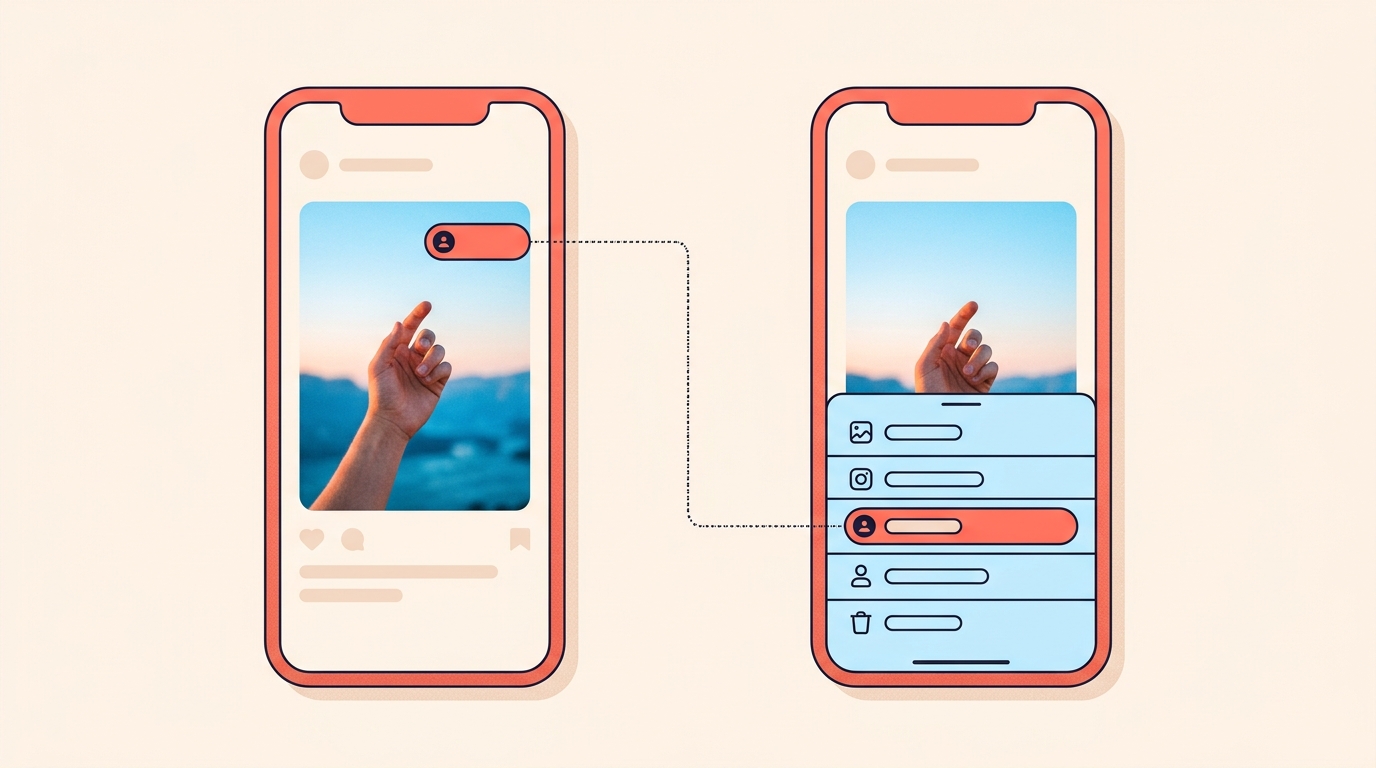
There is a control for that. If you do not want anyone creating with your Instagram content using AI features at Meta, you can turn it off in Instagram Settings, under Sharing and Reuse. That setting is on mobile only for now.
One related feature, which let people generate images in Meta AI by @-mentioning public Instagram accounts they wanted to reference, is no longer available. It was withdrawn after feedback that it missed the mark.
For a small label this is five minutes well spent either way. Your face and your product photos are your shopfront, and we would rather make a decision about reuse before it matters than after.
How would we use effects like these in a shop's Stories?
Sparingly, and never on the product itself. Here is the line we would draw:
- Yes to a lighting effect on a behind-the-scenes shot, where the point is mood and nobody is buying what is in the frame.
- Yes to a look-changing effect in a poll: two versions of the same outfit, and a question about which one to stock.
- No on the product photo someone will order from. A jacket that only exists in the effect is a return waiting to happen.
- No on a price card, a testimonial or anything a person is meant to read as a record.
The split we would keep is the one that already works: reels do the reach, and Stories do the relationship. An effect is a fine way to make a Story fun. It is a poor way to make a product look like something it is not, and the people who notice are the ones who were about to buy.
An effect can make a Story fun. It cannot make a product something it is not.
If it is the unpolished, in-the-moment end of Stories you want, Instants fits that better than any effect does. And if you want AI that changes who a piece of content reaches rather than how it looks, Meta AI translations is the one we would learn first.
How many new AI effects are there in Instagram Stories?
Over 30, powered by Muse Image, the first AI image generation model from Meta Superintelligence Labs. They change a photo with a single tap.
Are the new Instagram Stories AI effects available in India?
No, these updates are available in the US only, and the wider set of Muse Image features started in limited countries with more locations on the way.
Can I create my own effect in Instagram Stories?
Yes, where the effects are available. If no effect in the carousel suits your photo, you can type your own prompt at the bottom of the composer to create one.
Is AI-generated content labelled on Instagram?
Content detected as generated by an AI tool carries an AI info label, from industry-shared signals or self-disclosure. For content detected as only modified or edited by AI tools, the label sits in the post's menu.
How do I stop people using my Instagram photos with Meta AI?
Go to Instagram Settings and open Sharing and Reuse, where you can turn off creating with your Instagram content using AI features at Meta. The setting is on mobile only for now.
Whatever an effect does to a photo, the question underneath a good Story is still 'price?'. Instoly answers the ones that land as comments on your posts and reels, with a DM to each person who asked.
The takeaway
Use an effect for mood, never on a product photo someone will order from, and say it is AI in your own words.
Sources
Built for Instagram creators.
Instoly answers comments on your posts and reels with an automatic DM, through Instagram's official API. It also gives you a Store for the link in your bio, AI Studio for captions and try-on, and invoices built from your posts. The free plan includes 1,000 DM & comment credits a month.
Start free