

Dub your Instagram reels into Tamil, Telugu and more with Meta AI
Meta AI can now dub your reels in a voice that sounds like yours, with optional lip sync, into Hindi, Tamil, Telugu, Bengali, Marathi, Kannada and more. Here's how we'd use it.

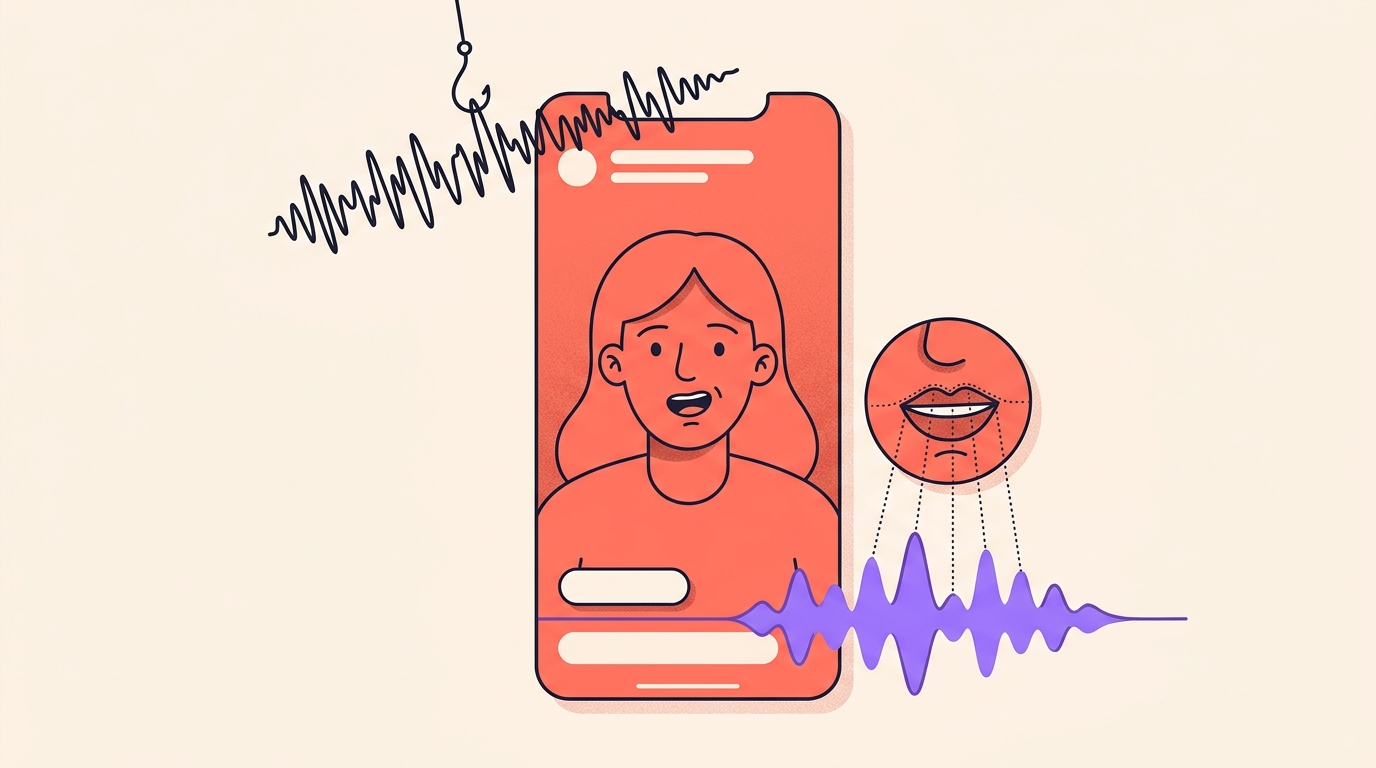
You can now dub an Instagram reel into another language without shooting it again. Meta AI translates what you speak in a voice that sounds like yours, can match your lips to the new audio, and you turn it on with the Translate voice toggle just before you share.
For creators in India, the interesting part is the language list: Hindi, Bengali, Tamil, Telugu, Marathi and Kannada are all on it. We think multilingual reels are about to become normal here, so this is how the feature works and how we'd use it.
What does Meta AI dubbing actually do to a reel?
It swaps your spoken audio for a translated version in the language you choose. The dub keeps the sound and tone of your voice, so a viewer in Chennai hears you, not a stock narrator.
Lip sync is optional. With it on, your mouth movements are matched to the translated audio, so it looks as if you're speaking that language.
Viewers always know it's a dub. Every translated reel carries a Translated with Meta AI label. Tapping it shows the original and translated languages, and anyone who prefers your real voice can choose Don't translate in the audio and language section of the three-dot menu.
Once a translated reel is live, you also get a breakdown of views by language. That's how we'd tell whether a dub is finding anyone.
Which languages can I dub my reels into?
Fourteen at the moment: English, Hindi, Bengali, Tamil, Telugu, Marathi, Kannada, Spanish, Portuguese, French, German, Italian, Japanese and Korean.
Bengali, Tamil, Telugu, Marathi and Kannada work on both Instagram and Facebook reels, and are still rolling out. You pick which languages a reel is dubbed into in your translation settings.
Do I need 1,000 followers to use it?
Not on Instagram. Dubbing is free, and it's open to public Instagram accounts in countries where Meta AI is available. The 1,000-follower bar you may have heard about applies to Facebook creators.
So there are two things to check: your account is public, and you're in a country where Meta AI works.
The reel itself has to qualify too. Only videos with your own original audio and voice can be dubbed. If a reel uses music, other sound effects or someone else's voice, you'll see the message Voice translation is not available.
Keep it to one speaker as well. Reels with more than one person talking can't be translated yet.

How do I turn on Translate voice before posting?
- Open Instagram, tap Create at the bottom, then Reel, and make your reel.
- On the Publish your reel screen, switch on Translate voice. You may also see it labelled Translate voices with Meta AI.
- The first time, a short explainer appears. Tap Allow so Meta AI can translate your voice.
- If you want, tap Modify your translation settings to choose languages, switch lip sync off, or approve translations before they're shared.
- Tap Share.
A translation can take up to 24 hours to appear after you share. To hear one, open the reel, tap View translations and pick a language.
To remove one, open the reel, tap Options, then Manage, then Voice translations, then Languages. From there you can play each dub, delete it, or report a translation error. Turn off voice translation removes them all at once.
How do we get a clean dub?
A dub is only as good as the audio you give it. Before recording a reel we plan to translate, we'd run through this list:
- Face the camera, speak clearly, and keep your hands away from your mouth. The translation works best that way.
- One speaker only. Save the duet or the interview for a reel you won't dub.
- Record somewhere quiet and leave out background music and sound effects. Heavy noise hurts the result, and music stops the dub altogether.
- Stay consistent. A new language means a new audience that needs time to get to know you, so we'd give it several reels before judging.
How would we use dubbing as Indian creators?
One shoot can now reach a Hindi viewer in Lucknow and a Tamil viewer in Chennai, in something close to your own voice. That changes which reels are worth making, and here's how we'd approach it:
- Pick reels where your voice carries the value: a recipe voiceover, a skincare routine explained to camera, a budgeting explainer. Leave music-led reels alone, since music blocks the dub anyway.
- Start with one language your comments already ask for. If people write "Tamil la sollunga" or "Telugu lo cheppandi", that's your first test.
- Turn on approval in translation settings and listen before it goes out. We'd check brand names, prices in ₹ and slang like "ekdum mast", which is where we'd expect a machine to slip.
- Dubbing is about your voice, so we'd keep on-screen text short, or add bilingual captions in Edits for a second script.
- After a week, compare the views-by-language breakdown with your usual reels. To try an opening in the new language on people who don't follow you yet, use trial reels.
Is Meta AI reel dubbing free?
Yes. Translating reels with Meta AI is free.
Do I need 1,000 followers to dub reels on Instagram?
No. The 1,000-follower requirement applies to Facebook creators. On Instagram, dubbing is open to public accounts in countries where Meta AI is available, though it is still rolling out.
Which Indian languages can Instagram dub reels into?
Hindi, Bengali, Tamil, Telugu, Marathi and Kannada, along with English and seven other languages.
Can I dub a reel that has music in it?
No. Only videos with your own original audio and voice can be translated. Reels with music, other sound effects or other voices show the message Voice translation is not available.
Will viewers know my reel was dubbed?
Yes. Translated reels carry a Translated with Meta AI label, and viewers can choose Don't translate in the three-dot menu to hear the original.
Dubbing won't rescue a weak reel, but it lets a good one travel. Record one clear voice, switch on Translate voice, check the dub before it goes out, and give each new language a few weeks.
When a dubbed reel asks viewers to comment a word, add every spelling they might type, in English letters and in their own script, as keywords in Instoly, because its keywords have no language setting.
The takeaway
One clear voice, Translate voice switched on, and your reel can find viewers in a second language.
Sources
Built for Instagram creators.
Instoly answers comments on your posts and reels with an automatic DM, through Instagram's official API. It also gives you a Store for the link in your bio, AI Studio for captions and try-on, and invoices built from your posts. The free plan includes 1,000 DM & comment credits a month.
Start free