

How to add Hindi captions to Instagram reels with Edits
Edits can now translate your reel captions into a second language, including Hindi, Gujarati, Bengali and Kannada. Here's how we'd set it up, and when it's worth it.

You can add Hindi text to an Instagram reel with bilingual captions in Edits, which add a second language to your reel's captions and translate it automatically. Here are the steps:
- Open your reel's project in Edits.
- Tap Captions in the bottom toolbar.
- Tap Bilingual captions.
- Choose Hindi as the second language.
- Tap Generate captions.
Hindi is one of 15 languages on offer, along with Gujarati, Bengali and Kannada. If you've already generated captions, select the captions layer and tap Bilingual to add Hindi.
We've laid out the whole flow below, plus the audio and caption tools that arrived alongside it: lyrics as captions, audio search by vibe, and importing your own sound. Then we get into when a second language is worth the space on screen.
What are bilingual captions in Edits?
Bilingual captions add a second language to your reel's captions, translated automatically. A viewer who reads Hindi more easily than English can follow along, and you don't have to record the reel twice.
They live in Edits, Instagram's video editing app for iOS and Android. You log in with your existing Instagram account, so there's no new profile to set up.
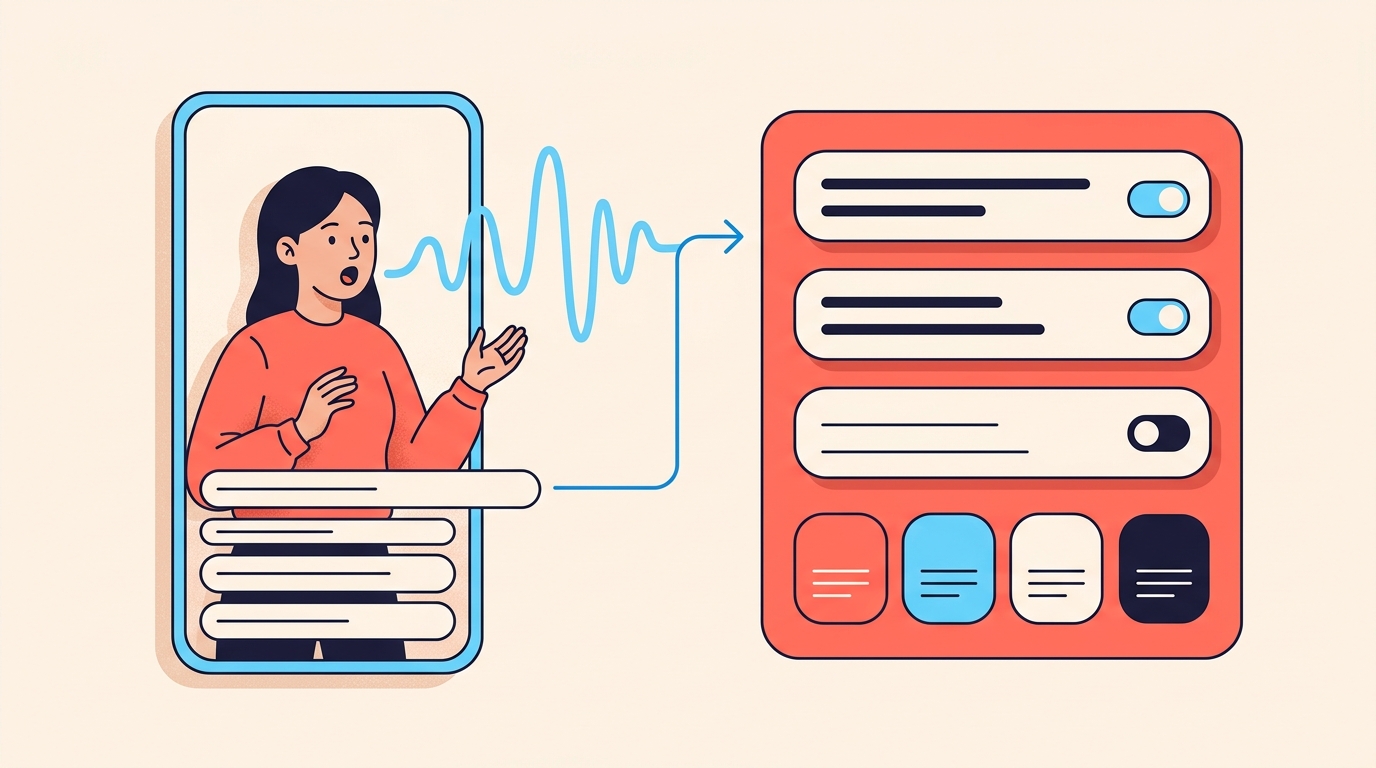
Edits captions start from what's spoken in your video. When you generate them, you choose the language being spoken, pick a style, and set transcription controls such as punctuation, title case and whether curse words show.
Which languages can I use for bilingual captions?
There are 15. We've grouped them for Indian creators:
- Indian languages: Hindi, Gujarati, Bengali and Kannada.
- English.
- The other ten: Spanish, Portuguese, Korean, Japanese, French, German, Indonesian, Russian, Italian and Thai.
Tamil, Telugu, Marathi, Malayalam and Punjabi aren't on the list. If most of your followers read one of those, bilingual captions can't give them a line in their own language.
How do I add Hindi captions to a reel in Edits?
Here's the flow we'd follow, with Hindi as the second language:
- Open your project in Edits.
- Tap the Captions button in the bottom toolbar.
- Tap Bilingual captions.
- Select a secondary language from the list. For Hindi captions, choose Hindi.
- Tap Generate captions.
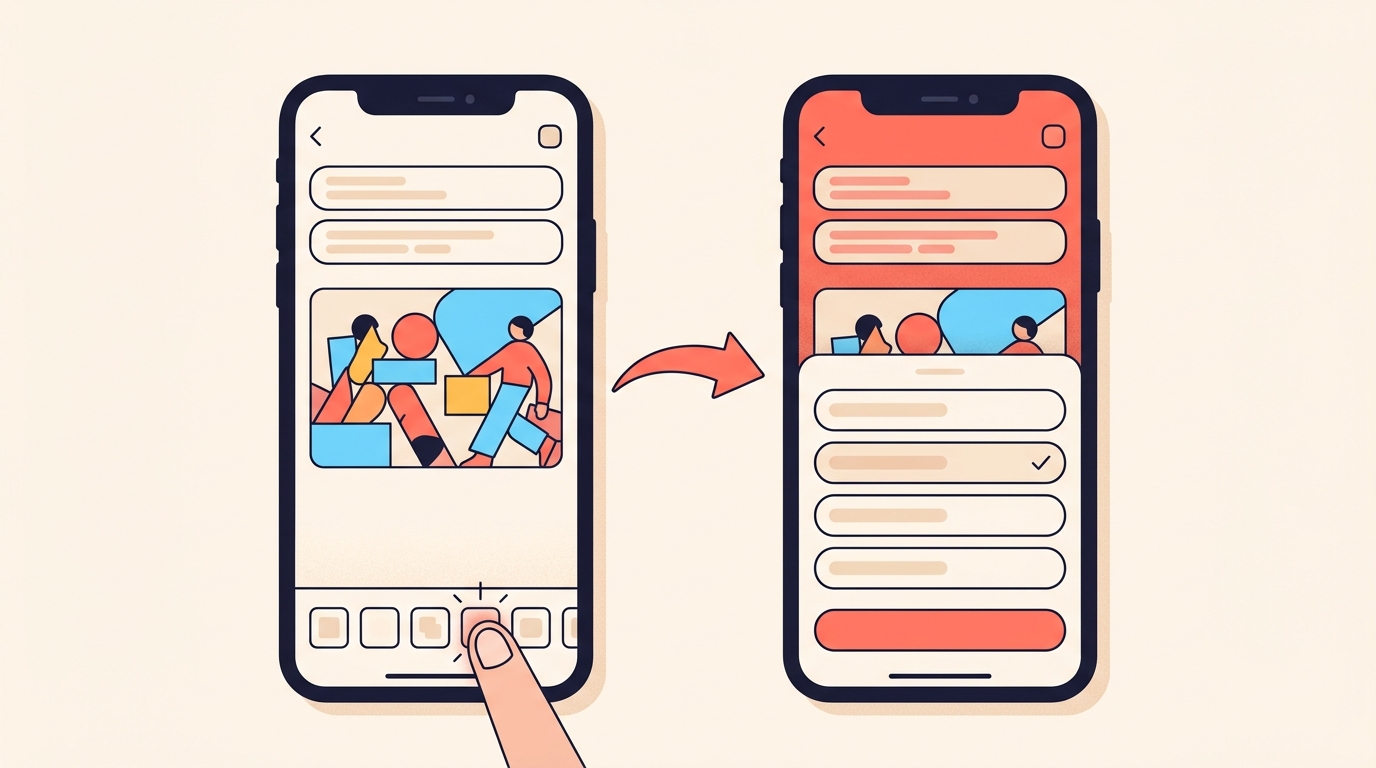
Already generated captions in one language? Select the captions layer and tap Bilingual to change the language. From the same layer, Edit lets you correct a line, Style changes the look, and Move shifts where the captions sit.
How do I turn song lyrics into captions?
Edits can write out the lyrics of the music you've added, and you can style them like any other caption. We'd use it when the song carries the reel, such as a lip-sync or a mood edit.
- Add music to your timeline.
- Tap Captions and select Lyrics.
- Edits generates the lyrics from your selected track. Style them the way you would any caption.
How do I find audio by vibe, or reuse my own sound?
Audio search now has filters, so you can browse by vibe, such as chill or bossy, or by interest, such as fashion or travel. Tap the Audio icon, then use the search filters. When we already know the mood we want, it's quicker than scrolling.
You can also bring in sound from outside the music library, either by pulling the audio out of a video or by importing an audio file from your phone. It suits a recurring intro or a signature sound, so we'd set one up if you open every reel the same way.
- Tap the Audio icon, then the folder icon.
- Extract audio from a video, or browse your files.
- Rename the sound, or keep its name.
- Edits saves it in your library for other projects.
When is a second caption language worth it?
We'd add a second language when your followers are genuinely split between two, and skip it when they aren't. Captions take up space, and a second line doubles it.
Here's an example. Say you run a small kurti label in Ahmedabad. You speak English in your reels because you post for all of India, but many of your regular followers read Gujarati more comfortably. We'd keep English as the spoken language and the main captions, and add Gujarati as the second language, so both groups can follow the fit, fabric and size details without rewinding.
The same thinking works for a Hindi line under English for a North India audience, or Bengali for a Kolkata food page. Before committing, we'd check where your followers are in the Audience section of Edits insights, which we cover in our guide to Edits insights.
When we'd skip it:
- Your followers mostly read one language. A second line then just adds clutter.
- The frame is already busy with price stickers, on-screen text or product close-ups.
- Your followers read a language that isn't on the list, such as Tamil or Telugu. There we'd look at dubbing instead, which we cover in our post on Meta AI translations.
A wrong size or price in the second line is worse than no second line at all.
We'd also go easy on lyrics in product reels. Words on screen compete with the product for attention, so we'd save them for reels where the song is the point.
Can I add Hindi captions to Instagram reels automatically?
Yes, with bilingual captions in the Edits app. They translate your captions into a second language automatically, and Hindi is one of the 15 languages available.
Which Indian languages work with bilingual captions in Edits?
Hindi, Gujarati, Bengali and Kannada, along with English. Tamil, Telugu, Marathi, Malayalam and Punjabi are not among the 15 languages.
Where is the bilingual captions option in Edits?
Tap the Captions button in the bottom toolbar, tap Bilingual captions, select a secondary language and tap Generate captions. If your captions already exist, select the captions layer and tap Bilingual.
Can I add song lyrics as captions in Edits?
Yes. Add music to your timeline, tap Captions and select Lyrics, and Edits generates the lyrics from the track, which you can style like any other caption.
Can I reuse my own intro sound in Edits?
Yes. Tap the Audio icon and then the folder icon to extract audio from a video or import a file, and Edits saves it in your library for other projects.
When a bilingual reel brings in comments in more than one language, Instoly's AI writer can draft your DM replies in twelve languages, ten of them Indian.
The takeaway
Add the second language your followers actually read, and check every translated line before you post.
Sources
Built for Instagram creators.
Instoly answers comments on your posts and reels with an automatic DM, through Instagram's official API. It also gives you a Store for the link in your bio, AI Studio for captions and try-on, and invoices built from your posts. The free plan includes 1,000 DM & comment credits a month.
Start free