

Your reel's audio was muted. Here is what you can do
A muted reel keeps its views, its comments and its place on your profile. You can swap the track, but only from the licensed library and only once, so it is worth choosing carefully.
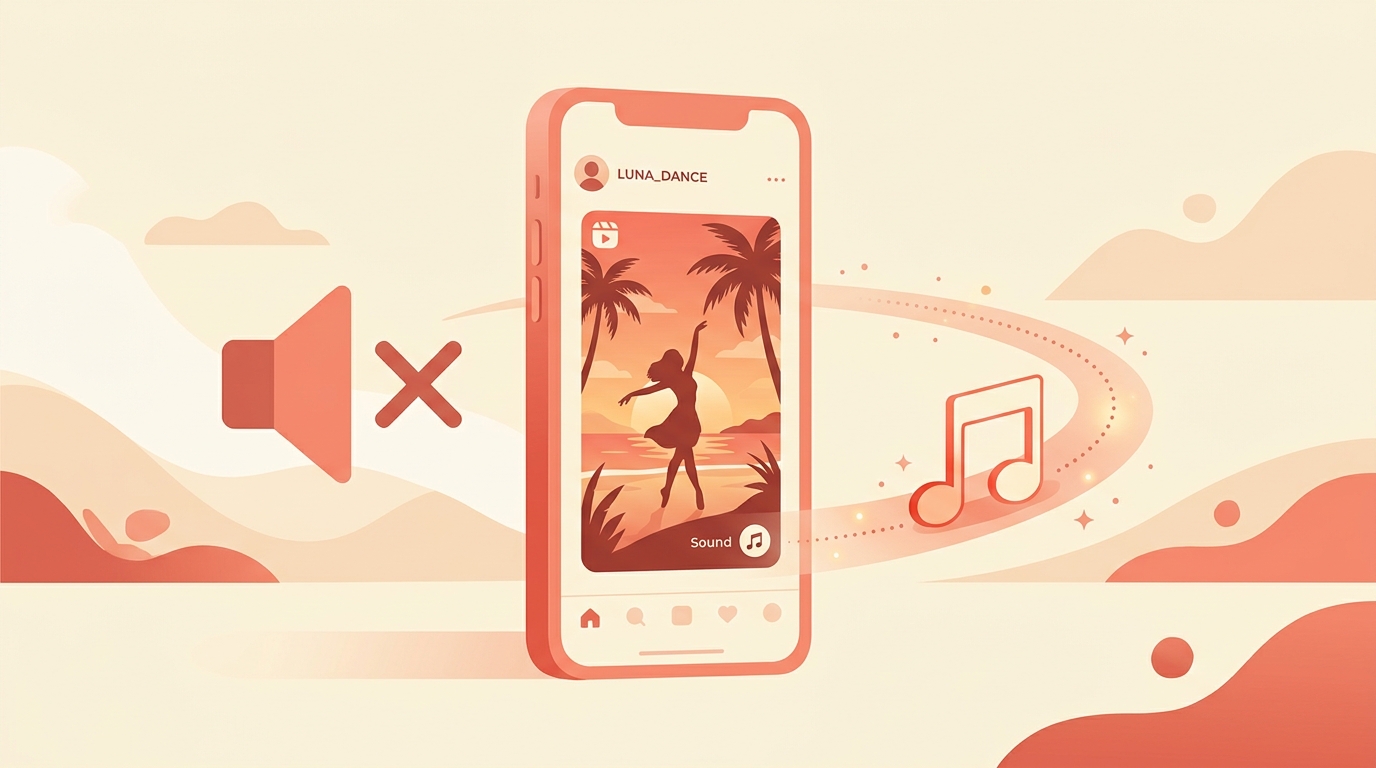
You open a reel that was doing well and the sound is gone, with a note where the track used to be. The post is still there, the views are still there, and people can still watch it. What has happened is that the audio was muted, not that the reel was removed.
You can put sound back, and there are two limits worth knowing before you do: the replacement has to come from the licensed library, and you get one attempt.
What actually happens to a muted reel?
It stays up: the reel can still be watched with the audio track muted, which means the comments, the saves and the reach it has already earned stay with it. That is the part we would hold on to, because the instinct is to delete and repost, and deleting throws away everything the post has collected.
We would not repost a muted reel for another reason too: a fresh upload of something you have already shared can get limited reach, so you would be trading a silent reel with history for a quiet one without it.
How do you replace the audio?
- Open the reel with the muted track on your phone.
- Tap where it says the audio is not available.
- Choose to change the audio.
- Pick a track from the library and select the part of it you want.
- Confirm, and the reel keeps its place with the new sound.
Only licensed audio from the library can be used as the replacement, so your own recording is not an option here. If the original sound was your voice explaining something, the honest answer is that the post will not carry the same meaning, and we would treat the replacement as background rather than as the point.
Why only one attempt?
A muted track can be replaced only once, which turns a small decision into a final one. So we would not do it in the two minutes after noticing. Watch the reel through with the new track picked out in your head, and check that the cuts still land where the beat was.
If the reel was cut to the original music, no replacement will fit the edit perfectly. We would choose something with a steady rhythm rather than something with a recognisable drop, because a track that fights the edit is more distracting than one that simply sits underneath it.
There is one case where we would accept the loss and move on. If the reel was carried by a voiceover, a library track cannot put the meaning back, and a bland song under a silent explanation is worse than leaving it. In that situation we would keep the muted post for the reach it has and film the explanation again properly, rather than dressing up the version that lost its voice.
How do you avoid it next time?
Pick the audio from inside the app rather than laying a track over the video in another editor. The library exists because the rights are already sorted, and what you can use depends on whether the account is personal or professional. We build our own reels that way for exactly this reason: it removes a decision we would otherwise have to defend later.
- Add music from the library while you are making the reel, not from your camera roll afterwards.
- Use your own voice or your own original sound when the post is about what you are saying. Nobody can mute that.
- Treat a popular track as decoration, not as the reason the post works.
- If a reel matters commercially, make it work muted. Captions on screen mean a muted reel still makes its point.
A reel that only works with the sound on is a reel that can be taken away from you.
Does a muted reel still get views?
Yes, The reel can still be watched with its audio track muted, so the views, comments and saves it has already collected stay with the post.
How many times can I replace muted audio?
Once, A muted track can be replaced a single time, so it is worth choosing the replacement carefully rather than quickly.
Can I replace it with my own recording?
No, The replacement has to come from the licensed audio library in the app, which is why an original voiceover cannot be restored this way.
Should I delete the reel and post it again?
We would not, Deleting throws away the reach and comments the post already has, and re-sharing the same content can get limited reach.
How do I stop this happening?
Add audio from the library inside the app while making the reel, or use your own original sound, and put the meaning in captions so the reel still works with the sound off.
None of this is a disaster, which is the point we would leave you with. A muted reel is the platform saying one track cannot stay, not that your post was wrong, and the post itself is untouched underneath it.
When a reel keeps pulling comments long after you made it, Instoly can keep answering them with the link, muted or not.
The takeaway
Replace the track on the post you have. It keeps its views, and you only get one attempt at the swap.
Sources
Built for Instagram creators.
Instoly answers comments on your posts and reels with an automatic DM, through Instagram's official API. It also gives you a Store for the link in your bio, AI Studio for captions and try-on, and invoices built from your posts. The free plan includes 1,000 DM & comment credits a month.
Start free