

Instagram on TV: what plays there, and what we'd change
Instagram for TV puts reels, channels and stories on the big screen in the US. Here's what it is, where it runs, and whether a vertical reel needs shooting differently.
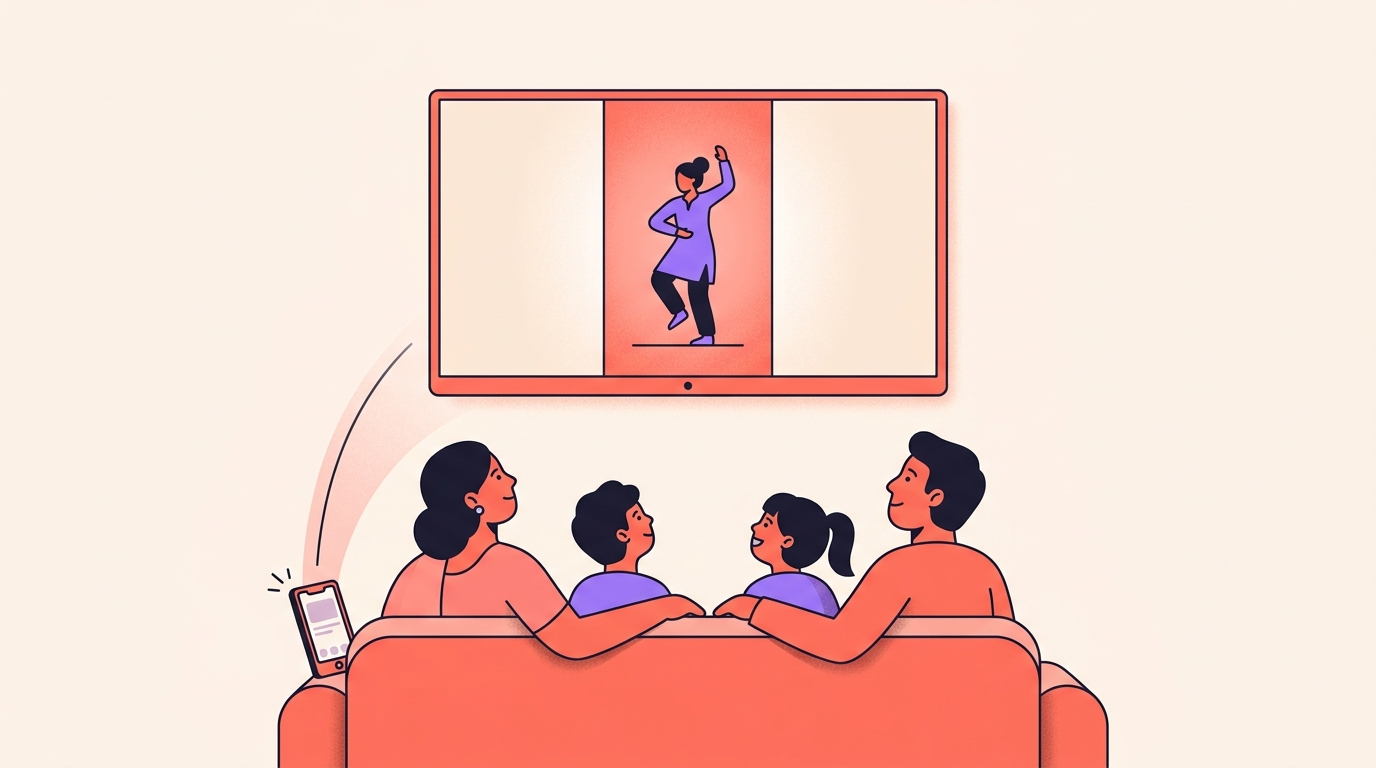
Instagram for TV puts reels on the biggest screen in the house. Reels are grouped into channels, they play automatically with full sound, and friends' and creators' stories are being brought to the same screen. It runs in the US, on Amazon Fire TV, Google TV and Samsung Smart TVs.
Underneath all of it sits one question for us: does a vertical reel need shooting differently now that it might play on a wall? Our answer is mostly no, and this is what we'd change instead.
What is Instagram for TV?
It's an app you install on the television and sign into, and you can open it straight from the Settings bookmark in the Instagram mobile app. Up to five accounts can be added, so everyone in the house gets their own way to watch, and you can create a separate account just for the TV if you'd rather keep your feeds apart.
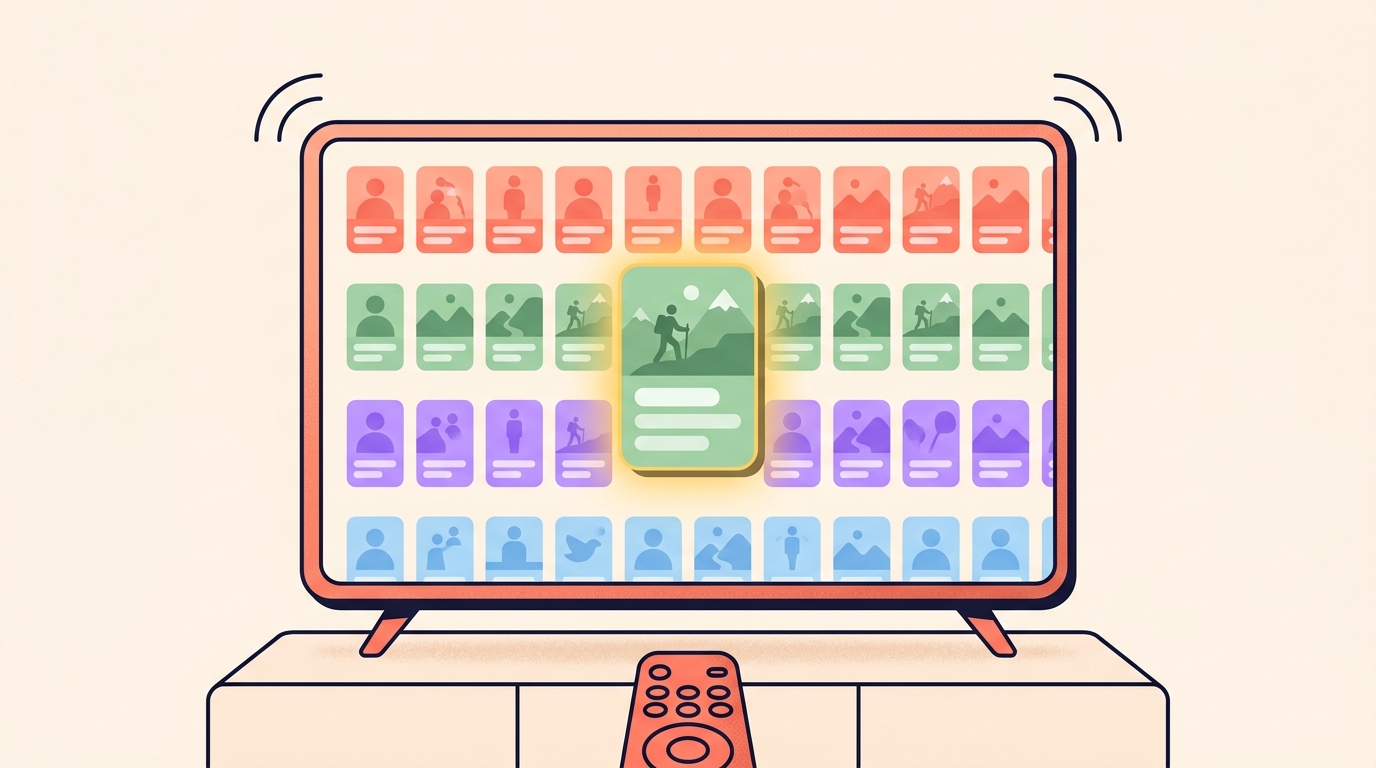
When you log in, reels are grouped into channels that match your interests: new music, sports highlights, hidden travel gems, trending moments. Once something catches your eye, reels play automatically with full sound, so nobody has to scroll for what's next.
Search works too. You can find a creator, browse a profile centred on their reels, and look up whatever you're interested in.
Which TVs does it run on, and is it in India?
In the US it's on Amazon Fire TV, Google TV and Samsung Smart TVs, the last of those on newer models only. Between the three, Instagram reaches the majority of connected TV devices in the US.
India isn't on the list. This began as a test on Fire TV in the US, with the stated plan to expand to more devices and countries as the team learns from it. We haven't seen a country list or a timeline beyond that, so we can't tell you when it lands here.
What plays on the big screen?
Reels are the base of it, arranged in channels. Around that, several things are being tested:
- Casting from your phone. Send a reel from your phone to the TV in a few taps, including videos from your Saved tab. That one is working today on Google TV and Fire TV.
- Stories on the big screen, so a group can catch up on what friends and creators are sharing without crowding around a phone.
- Channels organised around interests like comedy or sports, so a room can agree on something without a long argument.
- Horizontal video, which is getting a dedicated home of its own in testing.
Three more formats are being explored rather than shipped: longer-form creator video, episodic series that unfold across multiple episodes, and live creator experiences built for a room watching together. Creators are being worked with on what actually fits a television, so none of it is settled.
One detail worth knowing: it's built for shared viewing, so reels there generally follow the 13+ content ratings system, and teen accounts keep their usage limits and reminders on the TV as well.
Should we shoot reels differently for TV?
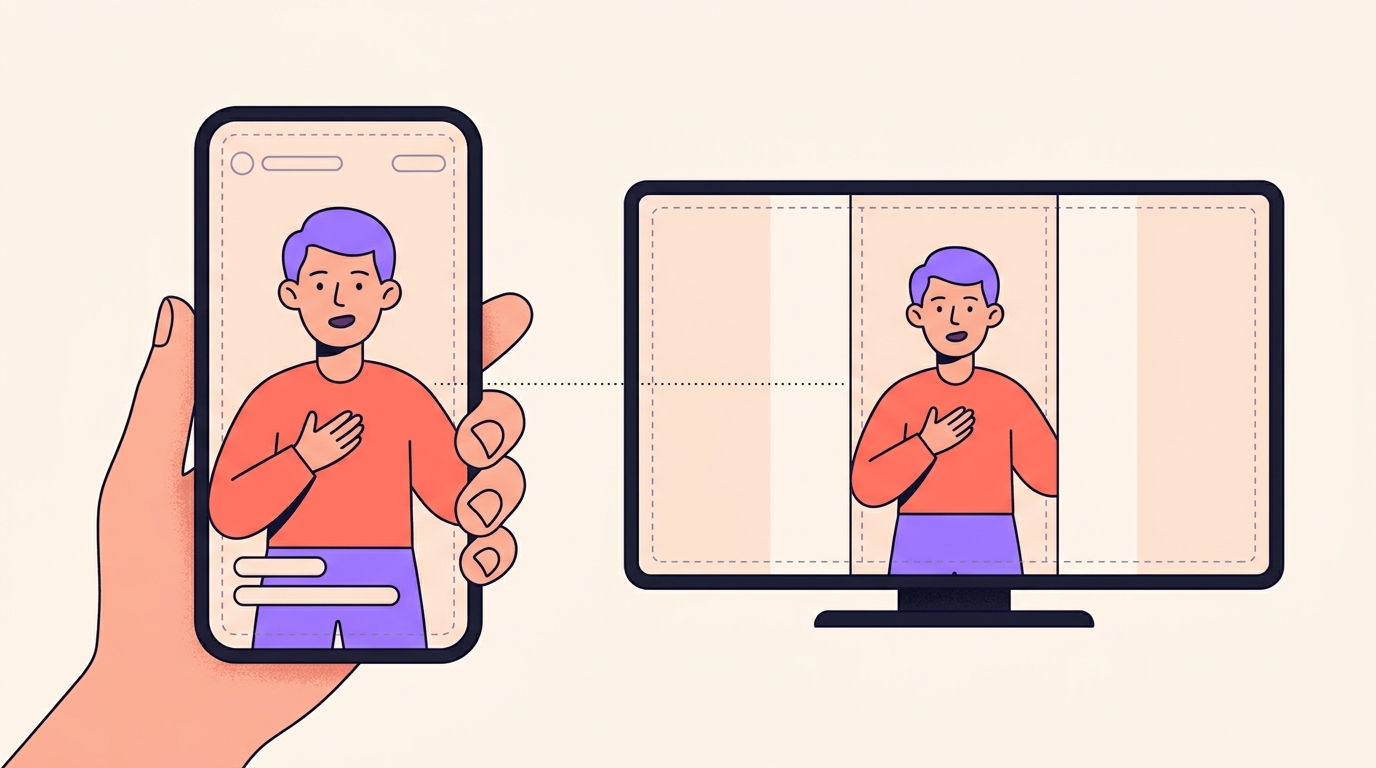
No, and we'd be wary of anyone who tells you otherwise. A reel is a vertical format, the same vertical file is what plays on the television, and the people watching you are on phones.
A vertical video on a wide screen leaves space at the sides. That's geometry, not a penalty, and reframing your whole style around a screen your audience can't open yet is a poor trade.
Shoot for the phone in someone's hand. That is still where nearly every view you get comes from.
What would we actually change?
Very little, and all of it helps on a phone too. These are the five habits we'd pick up now, none of which costs a rupee:
- Mix your audio like someone will hear it out loud. Reels play automatically with full sound, in a room where people are talking over each other. We check every reel once on a plain phone speaker at half volume before it goes out.
- Keep faces, prices and captions away from the extreme edges of the frame. Screens crop differently, and a number cut in half helps nobody.
- Don't let your ask depend on a tap. Say the comment word out loud and put it on screen, so it survives a viewer sitting three metres away with a remote.
- Shoot and export at the best quality your phone allows. Softness that hides on a small screen has nowhere to hide on a big one, and our notes on camera and export settings cover the numbers.
- Make the first frame readable from across a room. Channels are browsed, so your opening image is doing the work of a thumbnail before your opening line gets a chance.
Is horizontal video worth trying now?
Only if you already have it. A dedicated home for horizontal video is being tested, described as giving creators more ways to reach audiences, which is an invitation rather than an instruction.
If you shoot landscape anyway, for an event, a long interview or another platform, there may soon be somewhere for it to sit. If you don't, we wouldn't reshoot a single thing. The test is running in one country and the format may change shape before it reaches ours.
The exception we'd make is a subject that genuinely needs width: a stage, a procession, a workshop full of people. Shoot that wide because the subject demands it, not because of a television.
Is Instagram for TV available in India?
Not yet, and there is no date for India. It runs in the US on Amazon Fire TV, Google TV and Samsung Smart TVs, and the plan is to expand to more devices and countries over time. No country list has been given.
Which TVs can run Instagram?
In the US, Amazon Fire TV and Google TV devices, plus newer Samsung Smart TVs. Together these cover the majority of connected TV devices in the US.
Can I cast a reel from my phone to a TV?
Yes, on Google TV and Fire TV. You can send reels from your phone to the television in a few taps, including videos saved in your Saved tab.
Do Instagram stories play on a TV?
Stories on the big screen is one of the features being tested, so friends and creators can be caught up on without crowding around a phone.
Should I start shooting horizontal videos for Instagram?
Not unless you already do. A dedicated home for horizontal video is in testing, while reels remain a vertical format watched mostly on phones.
So the honest answer is that a big screen changes almost nothing about your next reel. Clean sound, safe edges, a readable first frame and a spoken call to action are good on a phone and better on a television, and that's the whole list.
Whichever screen it plays on, a reel that asks for a comment still ends in your inbox, and Instoly can send every commenter the link or the price they asked for.
The takeaway
Keep shooting vertical. Clean audio, safe edges and a readable first frame are all a big screen really asks of you.
Sources
Built for Instagram creators.
Instoly answers comments on your posts and reels with an automatic DM, through Instagram's official API. It also gives you a Store for the link in your bio, AI Studio for captions and try-on, and invoices built from your posts. The free plan includes 1,000 DM & comment credits a month.
Start free