

Instagram Instants: what they are and how creators can use them
Instants lets you send unedited photos from your inbox to Close Friends or mutuals, and each one disappears once viewed. Here's how it works and how we'd use it as a creator.
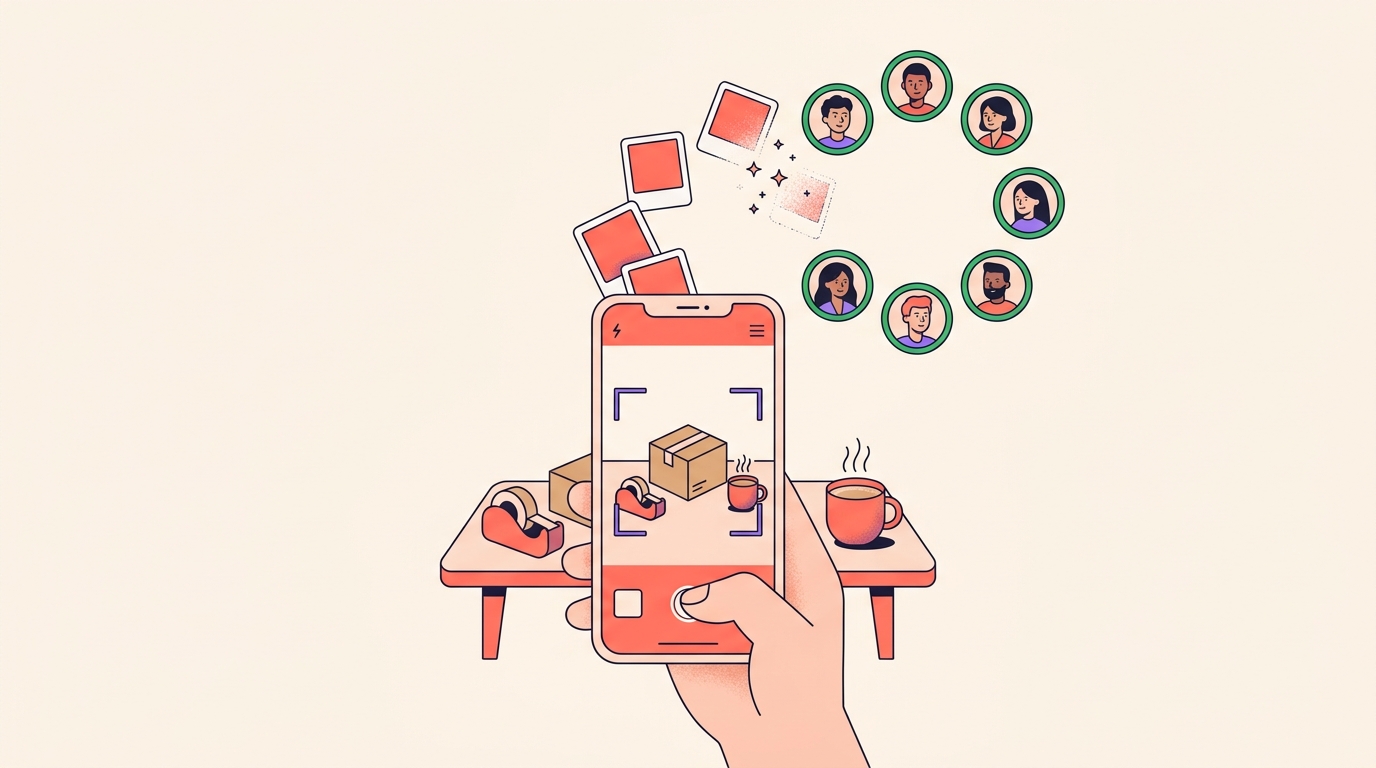
To post an instant on Instagram, open your inbox, tap Instants, choose Close friends or Friends, and take the photo, which is shared straight away. Here are the steps:
- Tap Messages at the bottom.
- Tap Instants on the right, the small stack of photos in the corner of your inbox.
- Add a caption if you want one. It goes on before the photo.
- Choose your audience: tap Close friends or Friends at the bottom, then pick a group.
- Tap Camera to take the photo. It's shared straight away.
Instants is Instagram's way to send quick, unedited photos from your inbox to your Close Friends or to followers you follow back. Each photo disappears once it's viewed, and can't be viewed after 24 hours.
It works inside the Instagram app worldwide, India included. We see it as part of a wider pull towards less polish and more in-the-moment sharing, so this is how it works and how we'd use it as a creator or small seller.
What are Instagram Instants?
Instants are casual, everyday photos shared straight from the camera. There's no editing step, so what you send is the moment as it happened.
The one thing you can add is a caption, and unlike a story, you write it before you take the photo.
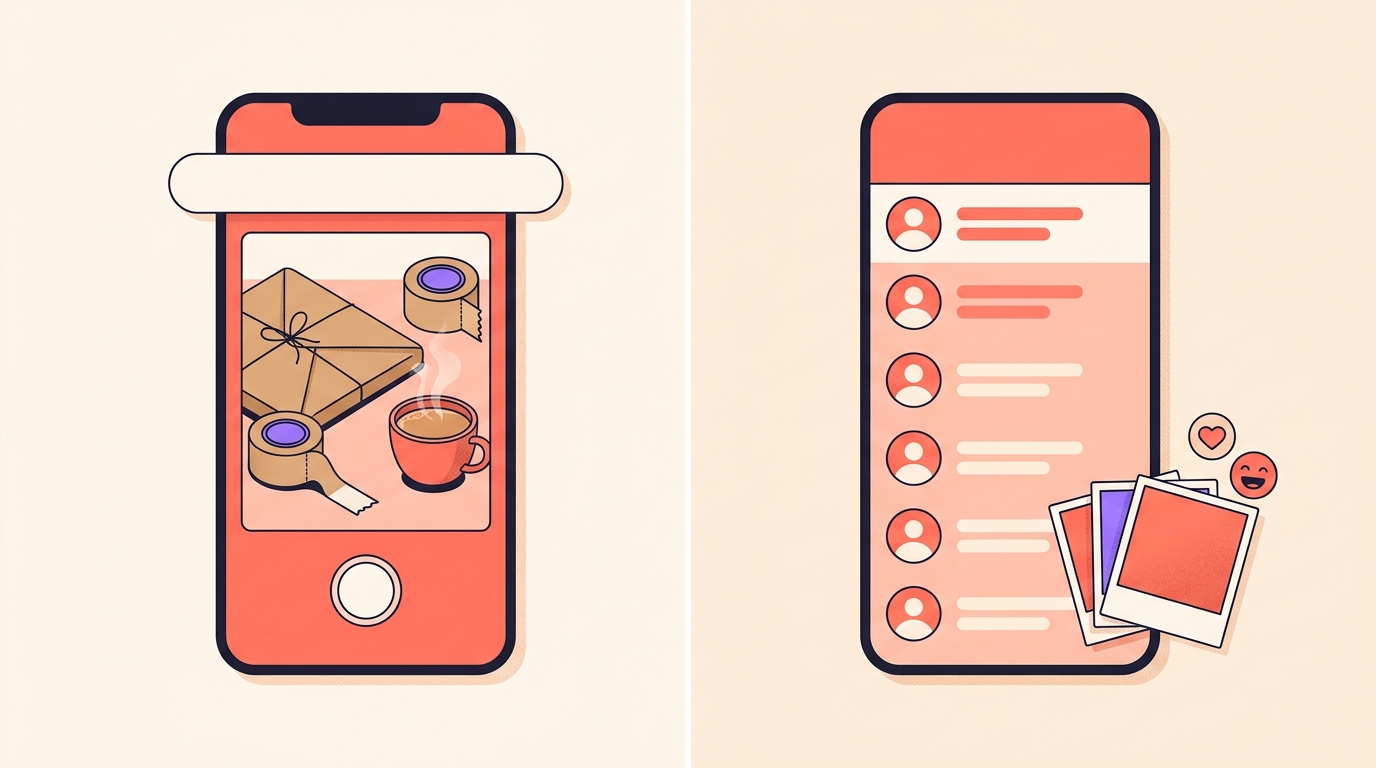
Your instants arrive as a small stack of photos in the bottom right corner of your friends' inboxes. They can react with emojis, reply, and send instants back to you.
Who can see my instants?
Only the people you pick: your Close Friends list, or followers you follow back. There's no public option, and instants don't go out to the rest of your followers.
- An instant disappears once it's viewed, and can't be viewed after 24 hours.
- Friends can't screenshot or screen-record the instants you share.
- Everything you send is saved in a private archive that only you can see, for up to one year.
- Block, mute and restrict all apply, so you can stop receiving instants from specific people.
How do I send an instant?
- Tap Messages at the bottom.
- Tap Instants on the right, the small stack of photos in the corner of your inbox.
- Add a caption if you want one.
- Choose your audience: tap Close friends or Friends at the bottom, then pick a group.
- Tap Camera to take the photo. It's shared straight away, and you can keep shooting and sending as many as you like.
Sent one to the wrong group? Tap undo to take it back before anyone sees it. To look back at what you've shared, tap Instants next to your inbox, then Archive in the top right.
Need a break from other people's instants? Hold the stack in your inbox and swipe right. To bring it back, tap and hold the bottom right-hand corner and swipe left.
Can I share instants with all my followers?
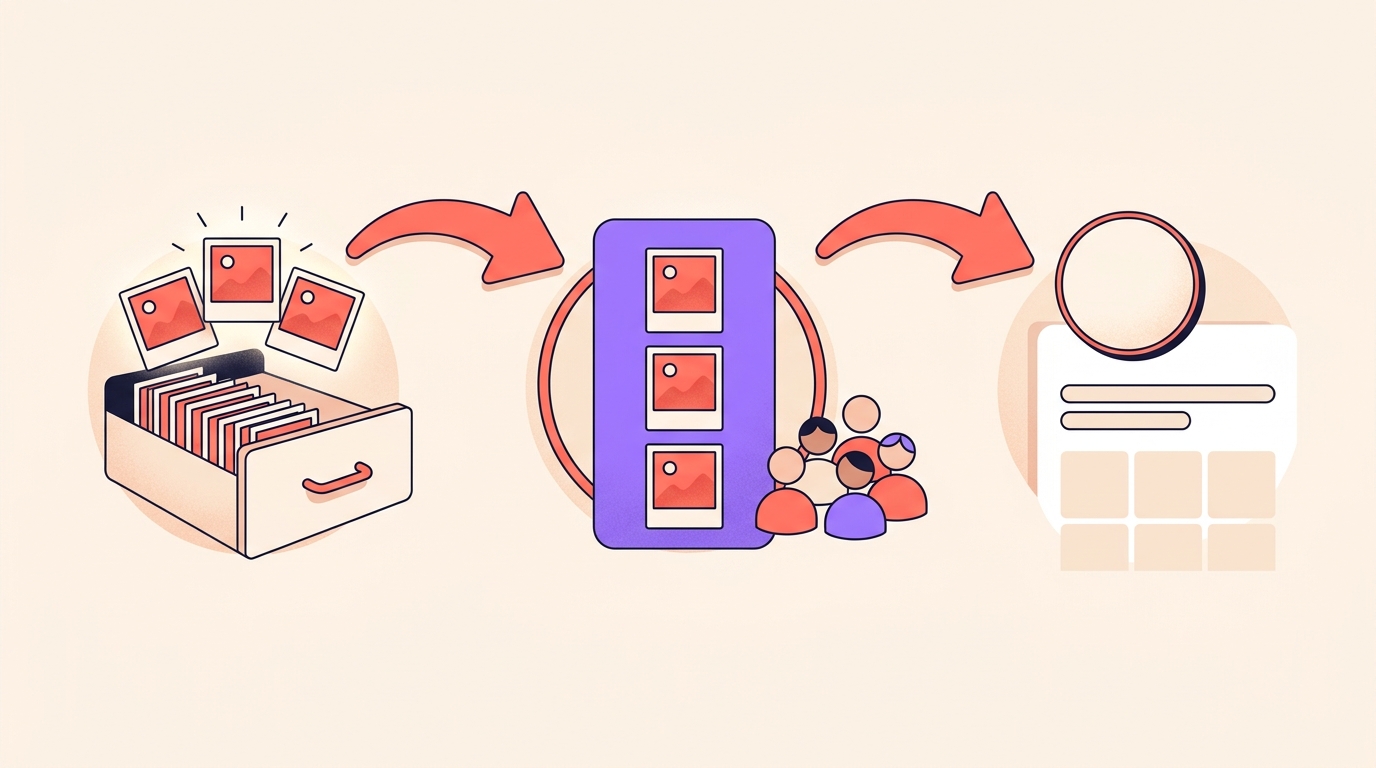
Not directly, but there's a bridge. You can compile instants from your archive into a recap and post it to Stories, where all your followers can see it.
Stories last 24 hours, and you can save the ones you like to Highlights to keep them on your profile. We think a good weekly recap is worth keeping there.
Is there a separate Instants app?
Yes, in some countries. A standalone Instants app, for an even quicker way to share, is rolling out in select countries on iOS and Android.
We haven't seen the list of countries, so we can't say whether the app has reached India. You don't need it, though: Instants works inside the Instagram app everywhere.
How would we use Instants as creators?
Instagram built Instants for casual moments with friends. We think it suits creators and small sellers better than it first looks, because your closest followers are the people who most want the unpolished version. Here's how we'd use it:
- Make your Close Friends list mean something. Put your most engaged followers there, the people who reply to every story, and send your instants to them.
- Share the unglamorous middle: the shoot-day chai, the packing table on a sale day, the fabric that didn't make the cut. A caption like "aaj 40 orders pack karne hain" reads like a message, not an ad.
- Write the caption first, like a text. It goes on before the photo, so decide the line before you frame the shot.
- Answer the replies. Friends can react and reply, and a quick answer is the whole point of a close-circle format.
- Turn a week into a recap. Pick the best instants from your archive, post the recap to Stories for everyone, and save the good ones to a Highlight. Our guide to optimising your profile covers Highlights.
Instants aren't built for reach. They're built for the people who already care.
So we wouldn't judge Instants by numbers. Keep reels and trial reels for discovery, and use Instants for your inner circle.
What are Instagram Instants?
Instants are unedited photos you send from your Instagram inbox to Close Friends or followers you follow back. They disappear once viewed and can't be viewed after 24 hours.
Who can see my Instagram instants?
Only the audience you choose: your Close Friends or followers you follow back. The rest of your followers only see them if you post a recap to Stories.
Can I post an instant from my gallery?
No, an instant is a photo you take in real time, and you can't upload one from your phone's gallery or edit it before sharing. The one thing you can add is a caption, which you write before taking the photo.
Where are my instants saved?
Everything you send is saved in a private archive that only you can see, for up to one year. To open it, tap Instants next to your inbox, then Archive in the top right.
Can I share my instants to my story?
Yes, you can compile instants from your archive into a recap and post it to Stories, where all your followers can see it. Tap Create recap in your archive to start.
Instants is small on purpose: one photo, one line, a close audience, gone once seen. Use it for your inner circle, and let the Stories recap bring everyone else in.
Your reels and carousels are what reach everyone, and when one of them asks for a comment, Instoly can reply to each commenter with a DM, so nobody waits for what they asked for.
The takeaway
Instants won't grow your reach. They keep your inner circle close, and the recap brings everyone else in.
Sources
Built for Instagram creators.
Instoly answers comments on your posts and reels with an automatic DM, through Instagram's official API. It also gives you a Store for the link in your bio, AI Studio for captions and try-on, and invoices built from your posts. The free plan includes 1,000 DM & comment credits a month.
Start free