

How to optimise your Instagram profile: a creator's checklist
Your profile gets a few seconds to say who you are and how to buy. Here's how we set up the name field, bio, photo, links, highlights and pinned posts, in the order we work.
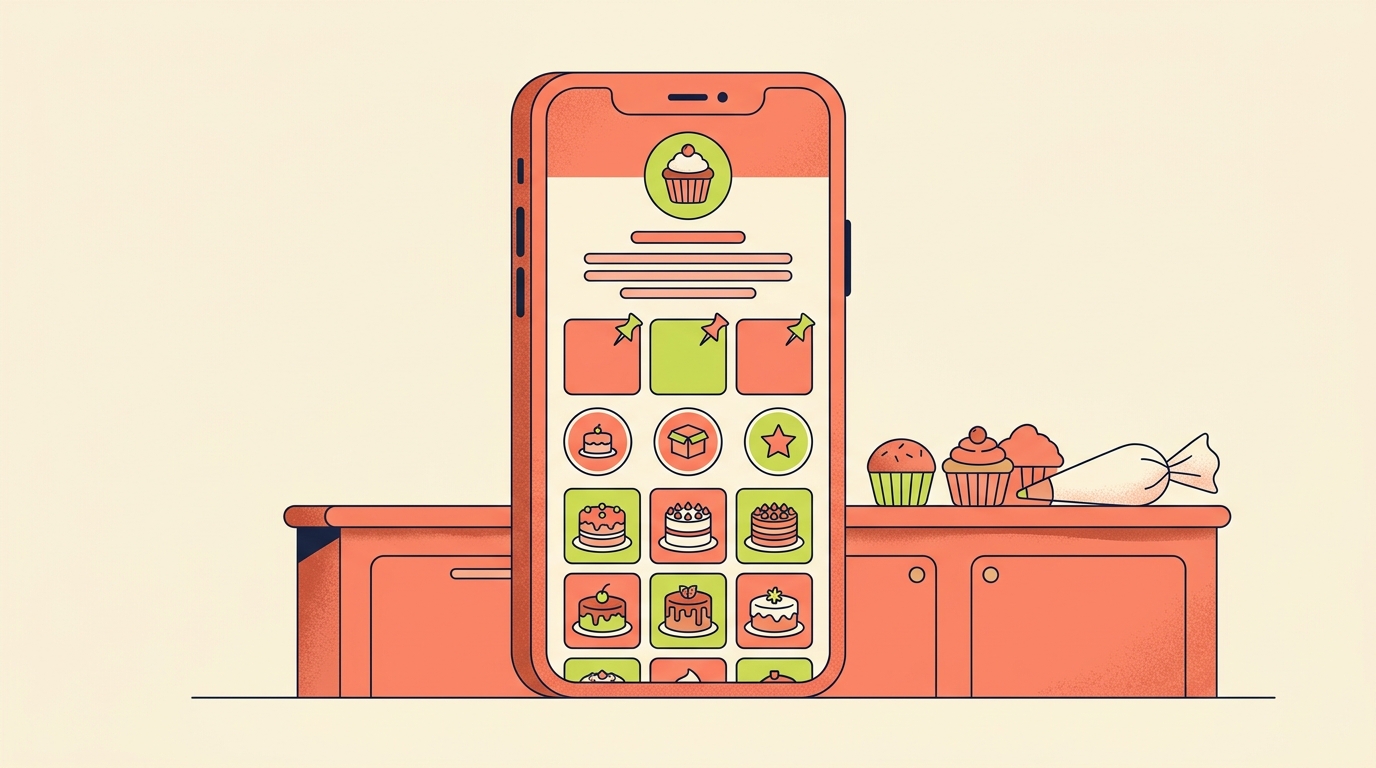
To optimise your Instagram profile, put the words people search for in your name field and bio, use a photo that reads at a glance, add the links people actually ask for, and pin the posts that best explain what you do. Then, if you have a professional account, check Account Status to make sure nothing on your profile is holding your content back.
We set up and review profiles all the time, and this is the order we work in. Our running example is a Pune home baker who sells eggless cakes from her kitchen.
What's the difference between my name and my username?
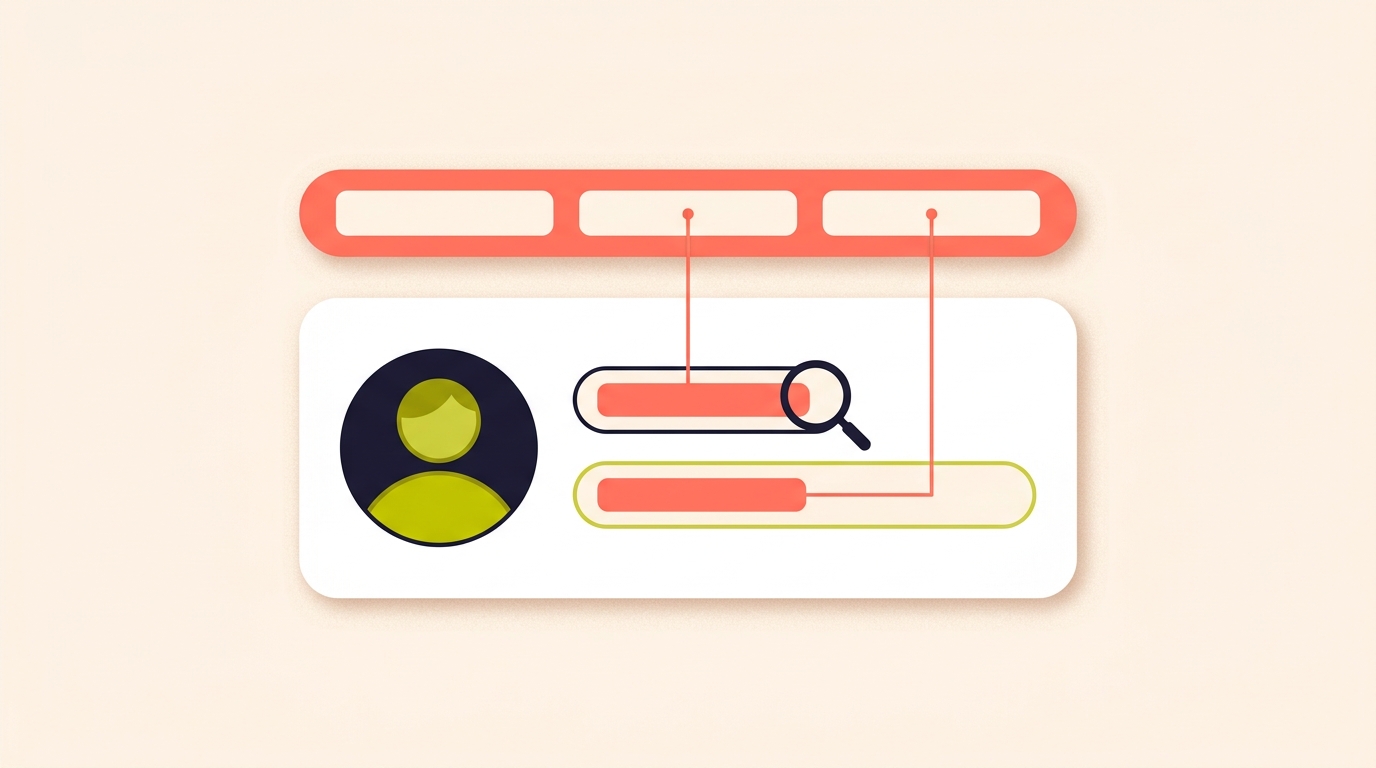
Your username is your @handle. Your name is a separate field on your profile, and it can say something different. When someone searches for an account, Instagram Search looks at how closely the words they type match the account's username or profile name, so both fields can help the right people find you.
We keep the username as the brand and put the keyword in the name field. Our baker keeps her brand handle and sets her name to "Anaya | Eggless Cakes Pune", so someone searching "eggless cakes pune" has words to match.
Think twice before changing your username. If your account reaches a lot of people, a username change may need to be reviewed first, and your followers may be notified when it changes.
What should I write in my Instagram bio?
Your bio can be up to 150 characters, and anyone can see it. Make sure it includes keywords about who you are and what your profile is about, so it works for search too.
We write those 150 characters as three short lines: what you make, who it's for or where you are, and how to order. For our baker:
- Eggless custom cakes and brownies
- Home kitchen in Baner, Pune. Delivery across the city
- Order 2 days ahead. Comment MENU on any post for prices
That last line answers the question her comments ask most: "kitne ka hai?" We write bios for the question people ask most, not for the adjectives we like best.
What makes a good profile photo?
Your profile picture is public to everyone, on or off Instagram, even to people without an account. It also matters for reach: if something on your profile, like your photo or bio, goes against the Recommendations Guidelines, it can affect whether any of your content is recommended to people who don't follow you.
If people buy from you, show your face; if they buy a product, show the product or a simple logo. A profile photo is mostly seen as a small circle, so we crop tight, use a plain background, and check it at thumbnail size before saving. Our baker uses a close shot of herself holding one cake, not a flat lay of twenty.
How many links can I add to my Instagram profile?
You can add up to five websites to your profile, and anyone, on or off Instagram, can see them. You can also reorder the list people see.
We order links by what people ask for, not by what we're proudest of. Our baker's first link is her order form, then her price list, then her delivery areas; her YouTube channel goes last. Five is a ceiling, not a target: two useful links beat five that make people choose.
How should I use highlights and pinned posts?
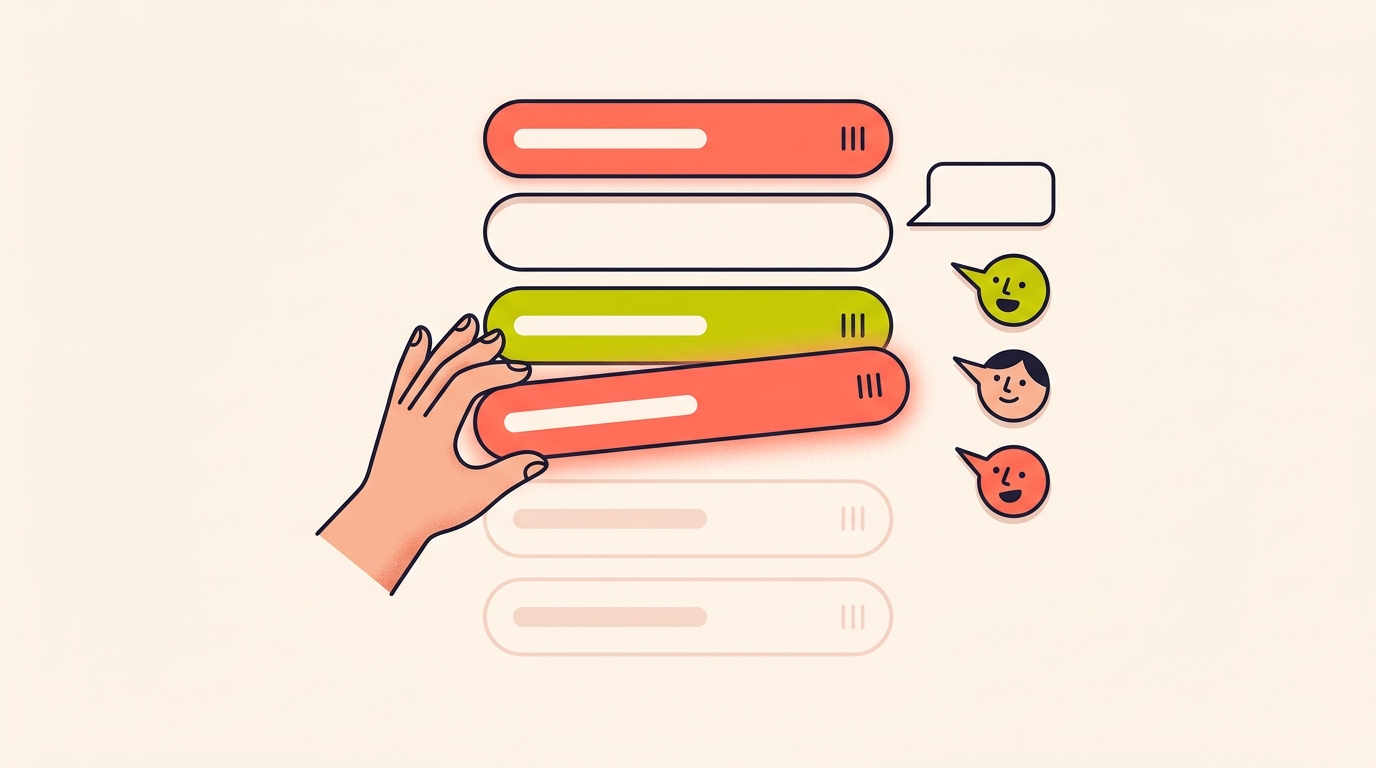
You can pin up to three posts to the top of your profile and unpin them at any time. An unpinned post goes back to its original spot in your grid, so nothing is lost when you swap one out.
Highlights keep stories on your profile after they disappear, and they stay there until you remove them. Anyone you've allowed to see your stories can also see your highlights, so check your story audience before saving something there.
Every highlight gets a name and a cover photo, and we use both. We name highlights like a shop menu, in the words buyers use: Menu, Prices, Reviews, How to order, Delivery. Our baker's Prices highlight exists because "kitne ka hai" was her most common DM.
We refresh highlights and pinned posts whenever the menu, prices or best work change. A pinned post from two festive seasons ago tells a new visitor you've stopped updating.
Which professional account tools help my profile?
A professional account can be set to Business or Creator. Business accounts suit retailers, local businesses, brands, organisations and service providers; creator accounts suit public figures, content producers, artists and influencers. Either way, the account is public: professional accounts can't be set to private.
- A Contact button near the top of your profile, which can include directions, a phone number and an email address.
- A category label below your profile image, which you can choose to show or hide.
- Insights on who your followers are, when they're online, and how each post performed.
- A professional dashboard to track performance and find professional tools.
- Wider discovery: your posts and reels may appear in search engine results, and you can turn that setting off.
A home baker is a local business, so we'd set our baker up with a business account, a Contact button and the category label showing. A creator who mainly makes content for brands may be better served by a creator account.
Can a professional account be set to private?
No, professional accounts can't be set to private, whether you choose a Business or a Creator account, so the account is always public.
How do I check if my profile is affecting my reach?
Use Account Status, which is in your settings. It lists anything removed for going against the Community Standards and any features you can no longer use. With a professional account, it also shows whether your posts, or something on your profile like your photo or bio, go against the Recommendations Guidelines.
Those guidelines decide which public accounts' content can be recommended to people who don't already follow you, in places like Explore, Reels and Feed recommendations. From Account Status you can edit or remove the content in question, or tap Disagree with decision to have it reviewed again.
We check Account Status once a month, and again whenever reach drops without an obvious reason.
Is the name field on Instagram searchable?
Yes. Instagram Search looks at how closely the words someone types match an account's username or profile name, so a keyword in your name field gives searches something to match.
How many links can I add to my Instagram bio?
You can add up to five websites to your Instagram profile and reorder them. Anyone, on or off Instagram, can see them.
How long can an Instagram bio be?
Up to 150 characters. Anyone can see your bio, so use those characters for what you make, where you are and how to order.
How many posts can I pin on my Instagram profile?
You can pin up to three posts to the top of your profile and unpin them at any time. An unpinned post returns to its original spot in your grid.
Where do I find Account Status on Instagram?
Account Status is in your Instagram settings. With a professional account, it also shows whether your posts, photo or bio are affecting whether your content can be recommended to people who don't follow you.
When a profile visitor comments "link?" on one of your posts, Instoly can reply with a DM, so the link never depends on your bio.
The takeaway
Keyword in your name, a bio that says how to buy, your best links first, and three pinned posts with jobs.
Sources
- Editing your profile, Instagram Help Centrehelp.instagram.com
- Instagram Search, Meta Transparency Centertransparency.meta.com
- Add a website to your profile, Instagram Help Centrehelp.instagram.com
- Pin a post to your profile, Instagram Help Centrehelp.instagram.com
- Add a story to your Story Highlights, Instagram Help Centrehelp.instagram.com
- About professional accounts, Instagram Help Centrehelp.instagram.com
- Check your Account Status, Instagram Help Centrehelp.instagram.com
- Instagram recommendations, Instagram for Creatorscreators.instagram.com
Built for Instagram creators.
Instoly answers comments on your posts and reels with an automatic DM, through Instagram's official API. It also gives you a Store for the link in your bio, AI Studio for captions and try-on, and invoices built from your posts. The free plan includes 1,000 DM & comment credits a month.
Start free