

Collab posts: one post, two profiles, two audiences
A collab post appears on both accounts and reaches both sets of followers. How to use them without the awkward pitch, and the one setting that quietly limits who sees it.
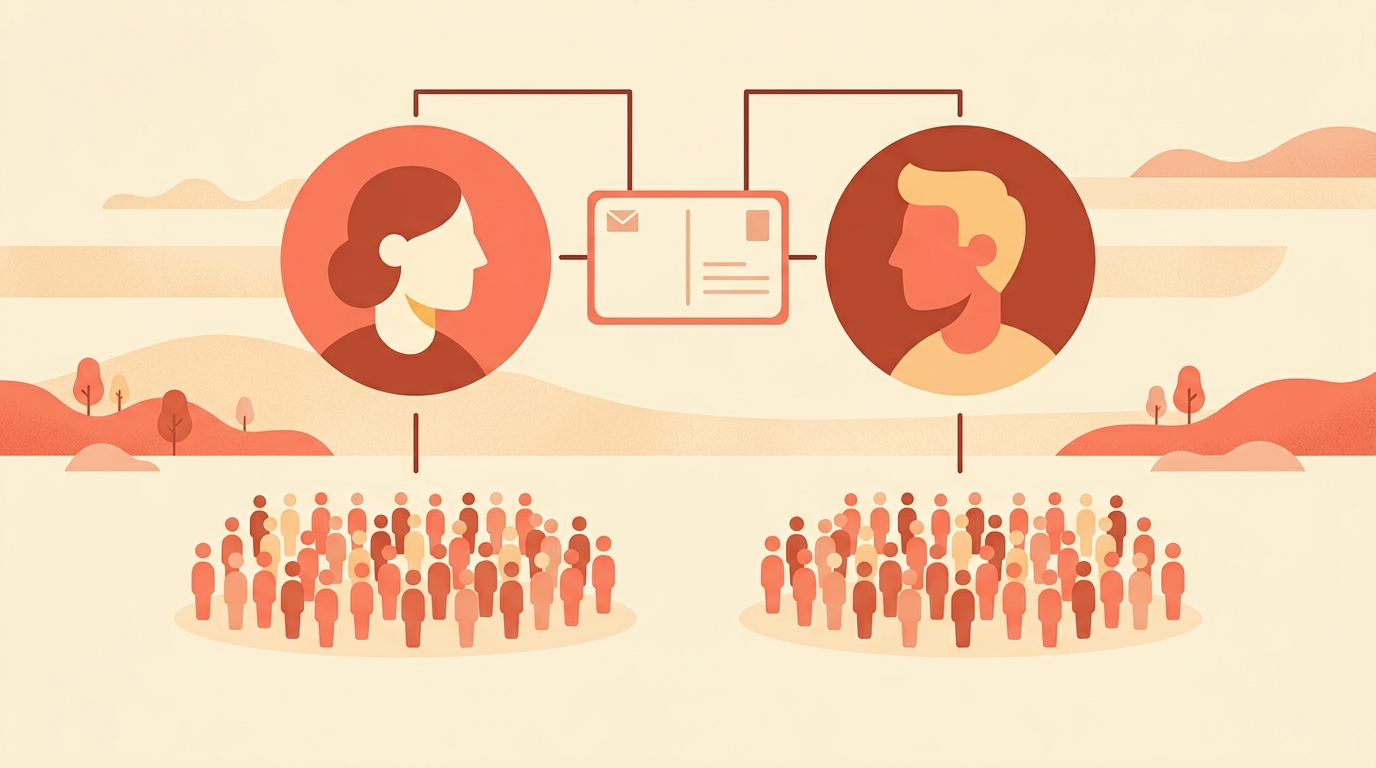
A collab post is one post with two authors. You tag another account as a collaborator, and once they accept, the post sits on both profiles and goes out to both sets of followers. One piece of work, two audiences.
It is the cheapest growth mechanism on the platform and the most awkward to ask for, which is why most accounts never use it. Here is how we think about both halves.
What does a collab post actually do?
It co-authors content with another account. The post appears on the original author's profile and on the collaborator's, and it is distributed to the collaborator's followers in their feed as well as your own.
That is the whole mechanic, and it is worth sitting with. Two accounts of five thousand followers each making one collab post reach more new people than either would make in a month of posting separately, and neither had to pay anything.
We would treat it as a distribution decision rather than a friendship one. Our best-performing posts have almost always been the ones two accounts had a reason to share, and our worst have been the ones we made because we liked someone. Liking them is not the qualification; a shared audience is.
What changes if an account is private?
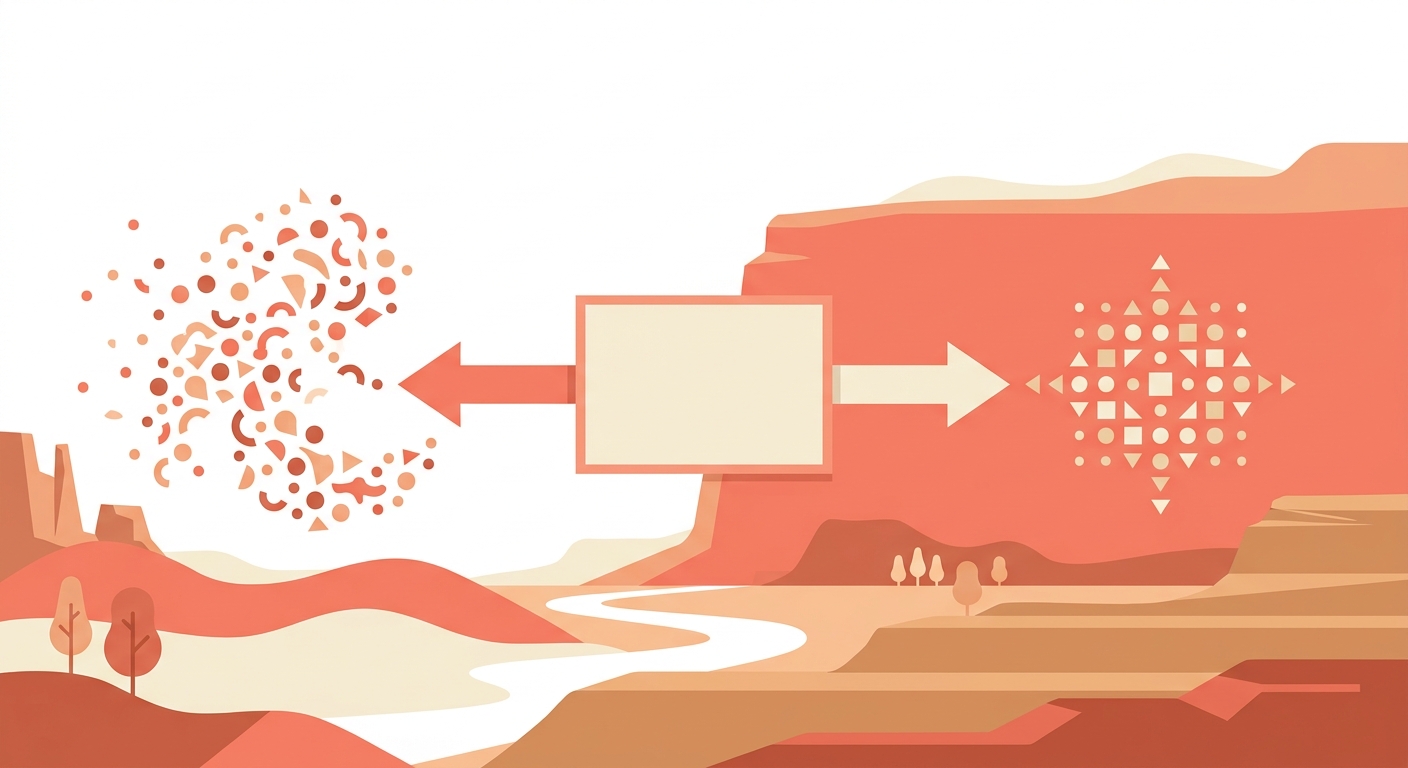
If the original author switches their account to private, only their account's followers can see the post. So a collab with a private account is not really a collab, and this is the setting that quietly undoes the whole arrangement.
Who should you actually ask?
Not the biggest account you can think of. The collab that works is between two accounts whose audiences overlap in interest but not in membership, which usually means someone at roughly your size in an adjacent niche.
- A baker and a cake-stand seller. Same buyer, different shelves.
- A fitness creator and a meal-prep account. Same morning, different half of it.
- Two sellers in one city, sharing a market stall weekend.
- A photographer and the person whose product they shot.
What we would avoid is the mismatch: an account ten times your size has nothing to gain, and the ask reads as a favour rather than an offer. Collabs work when both sides can name what they get.
How do you ask without it being awkward?
Make the thing first. The easiest ask in the world is one where the work is already done and the other person only has to accept.
- Make the post, properly, featuring them or something of theirs.
- Send it as a draft in a DM, not as a proposal. One message, no deck.
- Say exactly what you are asking: tag them as a collaborator so it lands on both profiles.
- Give them the caption you plan to use, so nothing arrives as a surprise.
- If they say no, post it anyway without the tag. It was a good post before you asked.
We would keep the first one small. A collab is a favour asked of a stranger, and the second one is much easier to ask once there is something on both profiles that went well.
What makes a collab post worth both audiences?
It has to make sense to two sets of people who follow for different reasons. The failure mode is a post that reads as an in-joke between the two accounts, which their followers watch politely and yours do not understand at all.
So we write the caption for the audience that does not know us, and let our own followers work out the rest. The reverse is easy to do by accident and hard to fix after posting.
One practical test we use before posting: read the caption as though you arrived from the other account and have never seen ours. If it does not say who we are and why this is worth a second of attention, we rewrite the first line and leave the rest.
Write the collab for the audience that has never heard of you.
What is a collab post on Instagram?
A post co-authored with another account. Once the collaborator accepts, the post appears on both profiles and is distributed to the collaborator's followers as well as yours.
Can I collab with a private account?
It is possible to invite one, but if the original author's account is private, only their own followers can see the post, which removes most of the point.
Does a collab post count twice?
It is one post in two places rather than two posts. The likes and comments gather on the same post, which is part of why it performs well.
How do I ask someone for a collab?
Make the post first, send it as a draft in a DM, and say plainly that you would like to tag them as a collaborator. An ask with the work already done is much easier to accept.
Should I collab with a much bigger account?
We would not start there. Collabs work when both sides gain, and a much larger account gains little, so the ask reads as a favour rather than an offer.
A collab brings two audiences to one post, and the comments arrive from people who do not follow you yet. Instoly answers each of them with the link, which is the part where a shared post turns into your customer.
The takeaway
Make the post first, ask second, and write the caption for the audience that has never heard of you.
Sources
Built for Instagram creators.
Instoly answers comments on your posts and reels with an automatic DM, through Instagram's official API. It also gives you a Store for the link in your bio, AI Studio for captions and try-on, and invoices built from your posts. The free plan includes 1,000 DM & comment credits a month.
Start free