

How to edit your first reel in five minutes
One clip, one line of text, one song, then export. That is the whole first edit, and it takes about five minutes. Here's the walkthrough, with a jhumka seller's 40 seconds as the example.
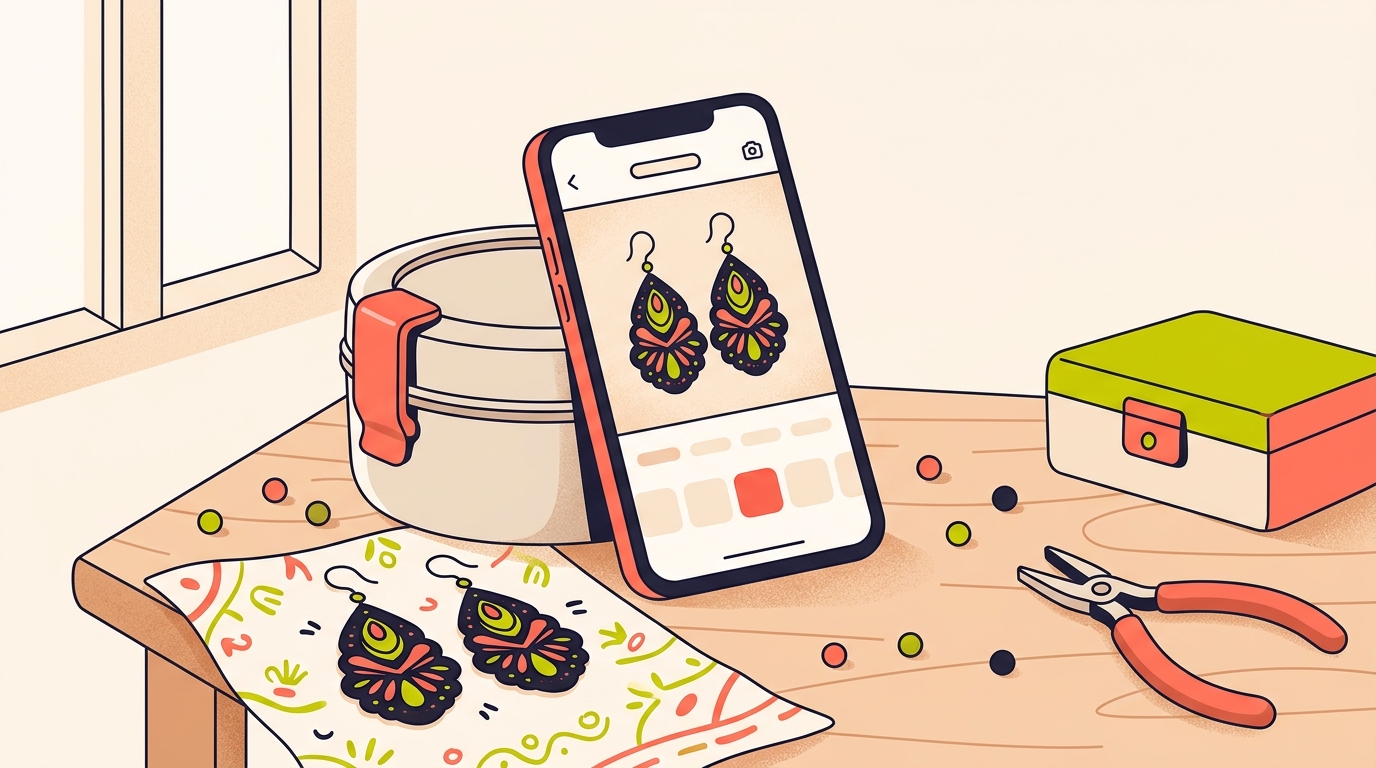
To edit your first reel, open Edits, tap the plus icon and pick one clip from your camera roll. Add one line of text, drop in one song, watch it back, then export. You can go from having a clip to having a reel in about five minutes.
Edits is Instagram's free video creation app, where you can capture footage, cut a social-first edit and get personalised insights in one place. We'll walk through each step with the example we reach for most: a Hyderabad seller of oxidised silver jhumkas, one clip, 40 seconds long.
What do I need before I open the app?
One clip. Not a shoot, not a script, not a ring light. One clip that already exists on your phone, or one you can film in the next two minutes.
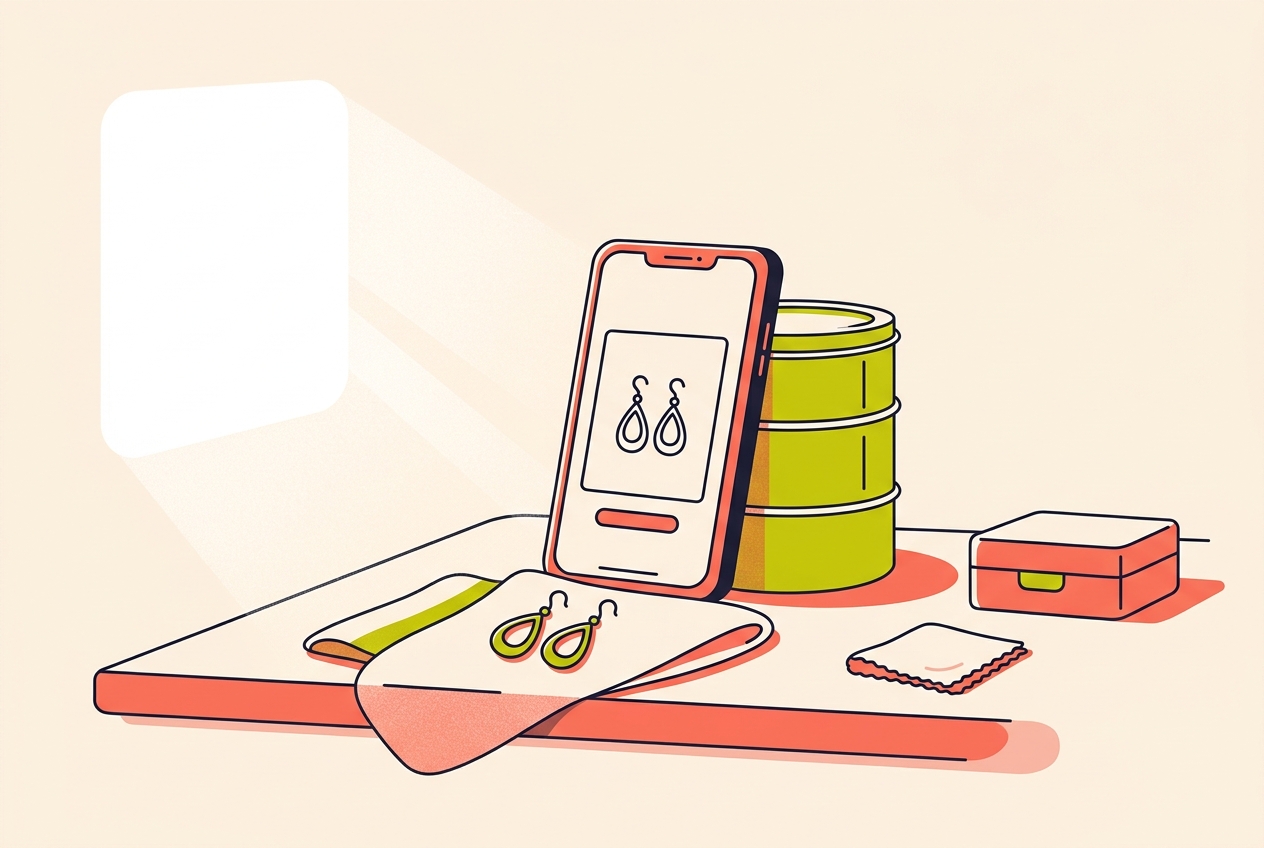
Our jhumka seller props her phone against a steel dabba on the work table, near the window, and films one take: hands lifting a pair of earrings out of the box and turning them so the light catches the oxidised finish. It runs 40 seconds, which is far too long. That's fine. Cutting it down is the edit.
The habits we'd build on the filming side are small ones:
- Wipe the lens. A thumbprint costs you more sharpness than any setting.
- Film beside a window in the daytime rather than under a tube light.
- Prop the phone against something instead of holding it.
- Film one clear action: the box opening, the earring turning, the hand lifting.
- Give yourself a few extra seconds at each end, so you have room to trim.
If you'd rather set the camera up properly before filming, we've collected the camera settings we use in a separate post. For your first edit, though, the phone's default camera is plenty.
How do I start a new project and pick a clip?
Tap the plus icon to start a new project and your camera roll opens. Pick one clip. Just one. Tap it and it drops onto the timeline, and at that point you technically have a video you could post.
We stop people here, because this is where most first edits die. You do not need six angles, a voiceover and a transition. You need one clip on a timeline and four more minutes.
Our seller's 40 seconds will come down to about 12 later, once she's comfortable with trimming. For now the whole clip stays where it landed.
How do I add text that doesn't get cut off?
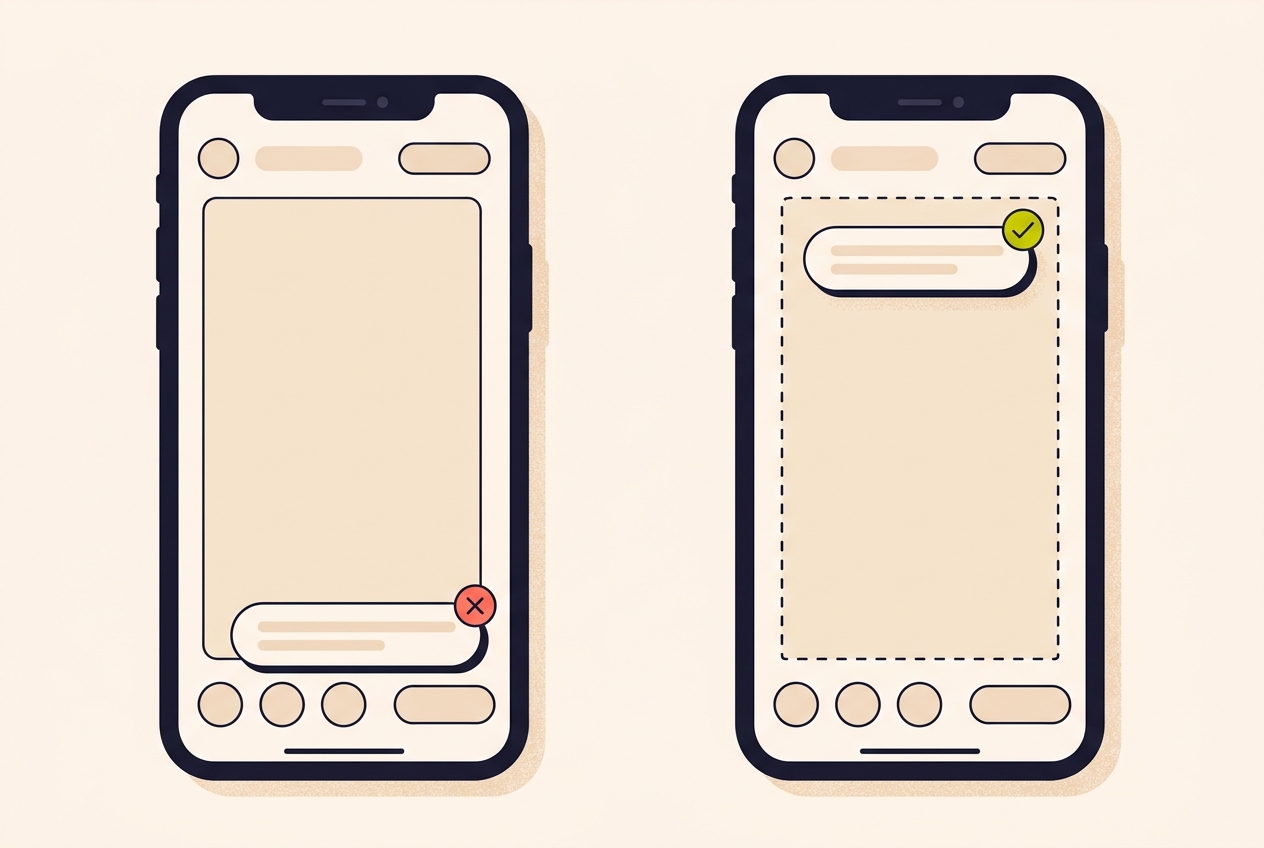
Tap the text tool and type something simple: a description, a joke, a question. Drag it wherever you want it on screen. The safe zones show you where it won't get cut off by Instagram's interface, so your text lands exactly where you intend it.
Then tap the animation menu and choose a style. Fade in, bounce, typewriter. There is no wrong answer, and you can change it in ten seconds if you hate it.
For a product clip, we write the line that answers the question the comments were going to ask anyway. Our seller types "Handmade, ships in 2 days" and drags it to the upper third, clear of the caption and the buttons at the bottom.
How do I add music to my reel?
Tap the audio icon and Instagram's full music library opens right inside the app. You can search for a royalty-free song to use in a brand video, or browse audio that's trending. Tap once to preview, tap again to add it to your timeline.
Edits trims the track to match your clip length automatically, so you don't have to cut audio by hand. If you want to be more precise later, you can adjust exactly which part of the song plays. For a first edit, let the app do the work.
Our one preference: we pick a track with a calm opening rather than one that starts on a drop, because a loud first second fights the first line of text. If you're selling something and you filmed a sound worth keeping, like a box opening or scissors on fabric, choose music that sits under it rather than over it.
How do I watch it back and post it?
Scrub through the timeline with your finger and watch the clip play with the text animation and the music together. This is your reel. You made it, and it probably took about three minutes.
Tap the export button in the top right. Edits processes the video, then gives you the option to post directly to Instagram or download it to post anywhere you'd like. If you're not quite ready, save it and come back to it.
A first edit isn't meant to be a masterpiece. It's meant to prove the app can't beat you.
If you are ready, our advice is to post it before you start second-guessing. Nobody scrolling past knows it was your first one, and the second edit is always quicker than the first.
What should I try once the first edit is done?
Once you've made one edit, the next ones get easier, and there's plenty left in the app. Trim clips to tighten your pacing. Experiment with filters and effects. Play with captions, overlays and keyframes. Every tool is meant to be simple at a glance and deeper when you want it to be.
The order we'd learn them in, one per reel:
- Reel two: trim. Take our seller's 40 seconds down to 12 and watch how much better it feels.
- Reel three: captions, so the reel works with the sound off.
- Reel four: two clips instead of one, cut on a beat.
- Reel five: a proper opening, written before you film.
That last one matters most, and we've written up the openings we use in our post on reel hooks. Once the basics are muscle memory, our collection of editing tips from creators is the natural next read.
How long does it take to edit your first reel?
About five minutes, if you keep it to one clip, one text overlay and one song. Watching it back and exporting takes another minute or two.
Is the Edits app free?
Yes. Edits is Instagram's free video creation app, and it covers capturing footage, editing a social-first cut and personalised insights in one place.
Where do I find music for my reel in Edits?
Tap the audio icon and Instagram's full music library opens inside the app. Tap a track once to preview it and again to add it, and it is trimmed to your clip length automatically.
How do I stop text being hidden by Instagram's buttons?
Use the safe zones in the text tool. They show you where your text won't get cut off by Instagram's interface, so keep every word inside them.
Can I post to Instagram straight from Edits?
Yes. Tap export in the top right, and once the video is processed you can post it directly to Instagram or download it to post elsewhere.
A first reel usually brings first questions, and they nearly all arrive as comments. When someone asks what the jhumkas cost, Instoly can reply with a DM that carries the price and the link, so you can stay in the edit.
The takeaway
One clip, one line of text, one song, one export. Your first edit only has to exist.
Sources
Built for Instagram creators.
Instoly answers comments on your posts and reels with an automatic DM, through Instagram's official API. It also gives you a Store for the link in your bio, AI Studio for captions and try-on, and invoices built from your posts. The free plan includes 1,000 DM & comment credits a month.
Start free