

Reel editing tips from creators: hooks, cuts and text
Better reels come from habits, not better gear. Build the edit around the opening, cut to the beat, time text for sound-off viewers, and let the insights choose what you fix next.

The difference between a reel people skip and a reel people save usually comes down to the edit. Not the camera, not the gear, not a film degree: the opening you chose, the pace you cut to, the way you used sound, and what you did with the numbers afterwards.
The creators who get the most out of Edits aren't doing anything magical. They've built a process and they stick to it. Here are the habits worth copying, plus the ones we've added on our side, for anyone already past their first edit.
Where should a reel actually start?
On the moment that makes someone stop scrolling. A bold statement, a surprising visual, a question that demands an answer. Then the whole edit gets built around that opening, with anything that slows down the start trimmed away.
The first few seconds of a video decide everything. If the hook doesn't land, the rest of the reel doesn't get seen, which is why experienced editors spend as much time on those first frames as on the entire rest of the cut.
For a small seller, our version of this is blunt: cut the greeting. "Hi guys, so today I wanted to show you" is four seconds of nothing. Start on the finished product in a hand, or on the problem it solves, and let the introduction wait until somebody has decided to stay.
You don't have to guess whether it worked. Once the reel is live, the skip rate in your Insights tab tells you exactly how strong that opening was, so you know what to adjust next time. We've written up the openings we keep coming back to in our post on reel hooks.
How do I cut to the beat without guessing?
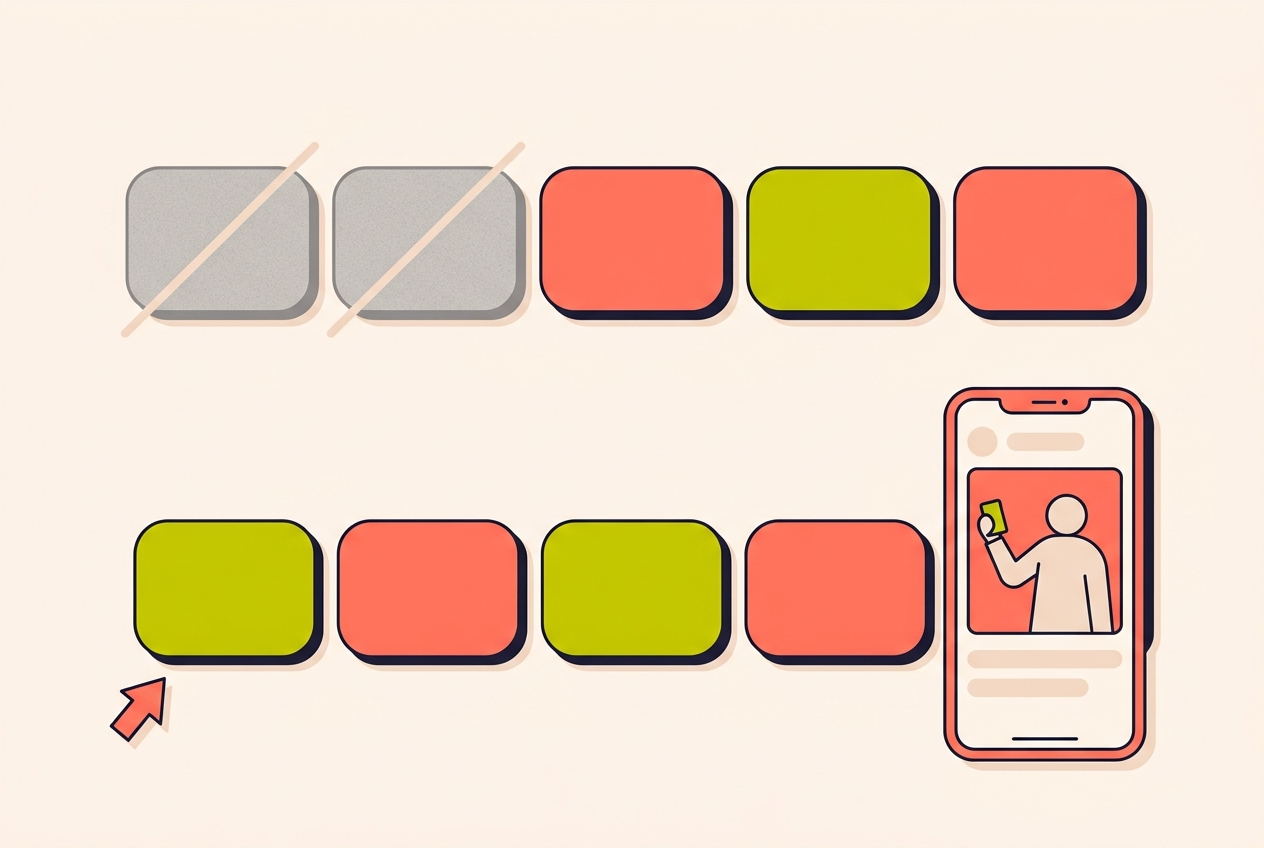
Sound isn't background noise, it's structure. Good editing means cutting on the beat, matching transitions to the energy of the track, and choosing audio that sets the pace for the whole piece. A well-timed cut synced to a beat drop keeps people watching.
In Edits, beat markers flag exactly where the beats land, so you can trim and cut your clips right to the rhythm instead of nudging a clip back and forth until it feels close. Checking what's trending is also how you find tracks that give your content a boost.
One caution from our side: a trending track raises the floor, not the ceiling. If the sound you filmed is part of the appeal, like fabric being cut or a box being opened, pick music that sits under it rather than something that drowns it out.
When should text appear on screen?
Captions, text overlays and visual cues are part of the storytelling, not decoration on top of it. On-screen text that highlights key points keeps viewers engaged, especially when they're watching without sound, which is most of the time on a crowded train or in a shop.
Graphics, stickers and subtle effects layered in at the right moments add emphasis without clutter. The goal is clarity: every visual element should help the viewer understand and stay with the content.
Timing is the part people get wrong, so this is the rhythm we work to:
- One line on screen at a time. Two lines fighting each other means neither is read.
- Bring the text in just before the thing it names, not after.
- Leave it up long enough to read twice, then take it away.
- Price, size and delivery time belong on screen, because those are the questions your comments are already full of.
- If you write in Hinglish, write it the way your buyers type it, not the way a textbook spells it.
Most people meet your reel with the sound off. Write for that viewer first.
What should I check after I post?
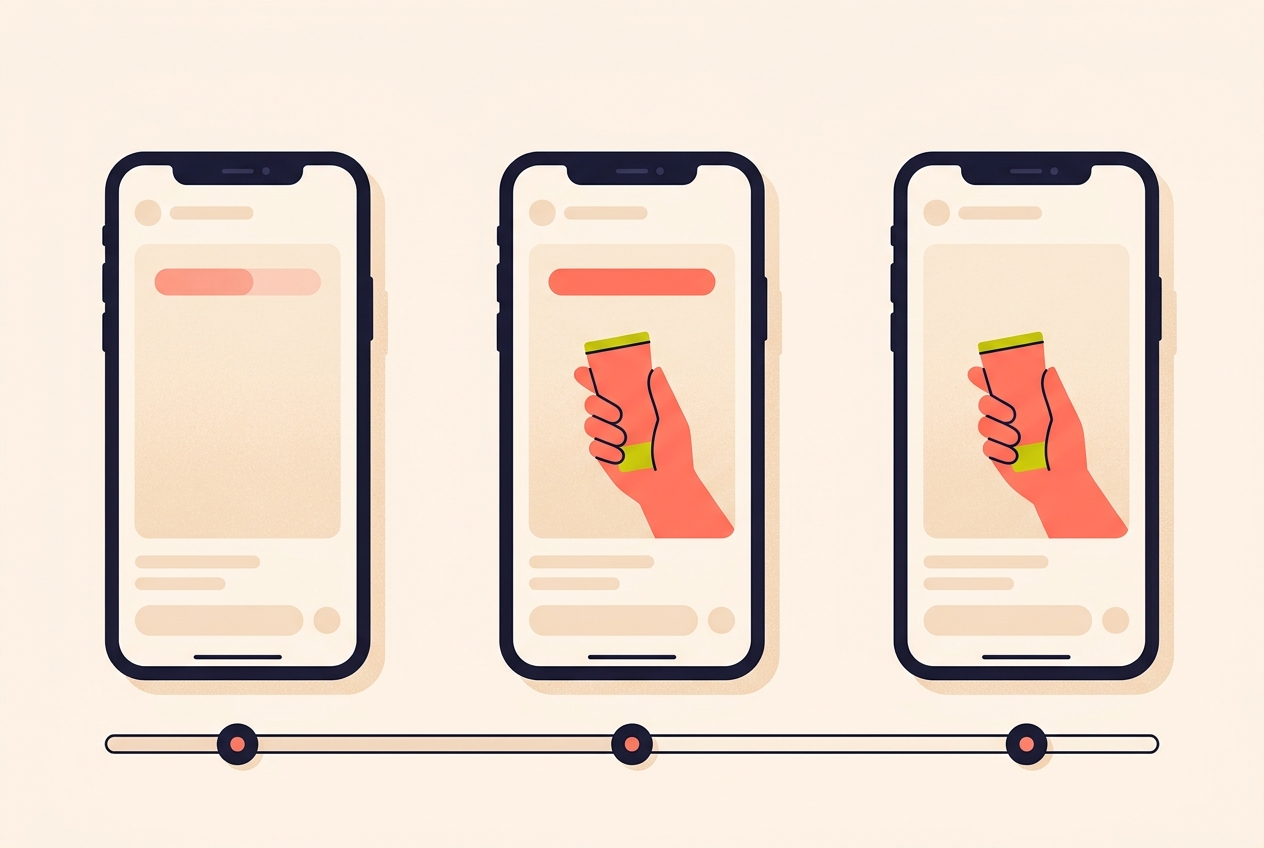
Check insights after you post a reel: watch time, drop-off points, save rate and share rate. Those four tell you the impact of your editing choices better than any comment does.
They also translate into instructions. If viewers are dropping off at the four-second mark, the hook needs work. If saves are high but shares are low, the content might be valuable but not shareable enough. That reading is what shapes the next edit, so every video becomes a lesson rather than a lottery ticket.
We'd fix one thing at a time. Change the opening on the next reel and leave everything else alone, or change the text timing and leave the opening alone, so you can tell which change did the work. To put two reels next to each other and compare the numbers properly, see our post on comparing reels in Edits.
How do I keep editing when the week gets busy?
Efficiency matters when you're creating regularly. Edits can save you time by bringing more of your workflow into one place, so you're not constantly jumping between apps to get a single video done: browse the Inspiration tab for trending formats, use templates to jumpstart creation, post directly from the app, and check insights to see what's working.
On top of that, the routine we'd build around a small shop looks like this:
- Film in batches. One hour of filming on a quiet afternoon feeds a fortnight of reels.
- Keep a folder of spare shots: hands wrapping an order, a shelf being restocked, the shutter going up.
- Edit two reels in one sitting, because the second one always goes faster.
- Reuse the structure that worked instead of the exact reel that worked.
- Keep a note of which opening you tried, so the insights mean something a month later.
None of this needs expensive gear. It needs intentional choices: how you open, how you pace, how you use sound, and how you learn from what the data tells you.
What is skip rate in Edits insights?
Skip rate is a metric in the Insights tab that shows how strong your opening was, once a reel is live, so you know what to adjust on the next one.
How do I cut a reel to the beat?
Use beat markers in Edits. They flag exactly where the beats land, so you can trim and cut your clips to the rhythm rather than guessing where the beat falls.
Does on-screen text in a reel really matter?
Yes. Text overlays that highlight key points keep viewers engaged, especially when they're watching without sound, and they make the point clear without clutter.
Which numbers should I check after posting a reel?
Watch time, drop-off points, save rate and share rate. Together they show the impact of your editing choices and point at what to change next.
What does it mean if a reel gets saves but no shares?
It usually means the content is valuable but not shareable enough. People wanted it for themselves but had no reason to send it to someone else.
A reel that lands fills the comments with the same two questions, over and over. Instoly can answer each of those comments with a DM, so the next edit doesn't wait behind the inbox.
The takeaway
Build the edit around the opening, cut to the beat, time text for sound-off, then read the insights.
Sources
Built for Instagram creators.
Instoly answers comments on your posts and reels with an automatic DM, through Instagram's official API. It also gives you a Store for the link in your bio, AI Studio for captions and try-on, and invoices built from your posts. The free plan includes 1,000 DM & comment credits a month.
Start free