

Product photos without booking a shoot
Virtual try-on puts a product on a person from one photo, which changes what a small seller can post in a week. Here is what it is good for, what it costs, and when we would label it.
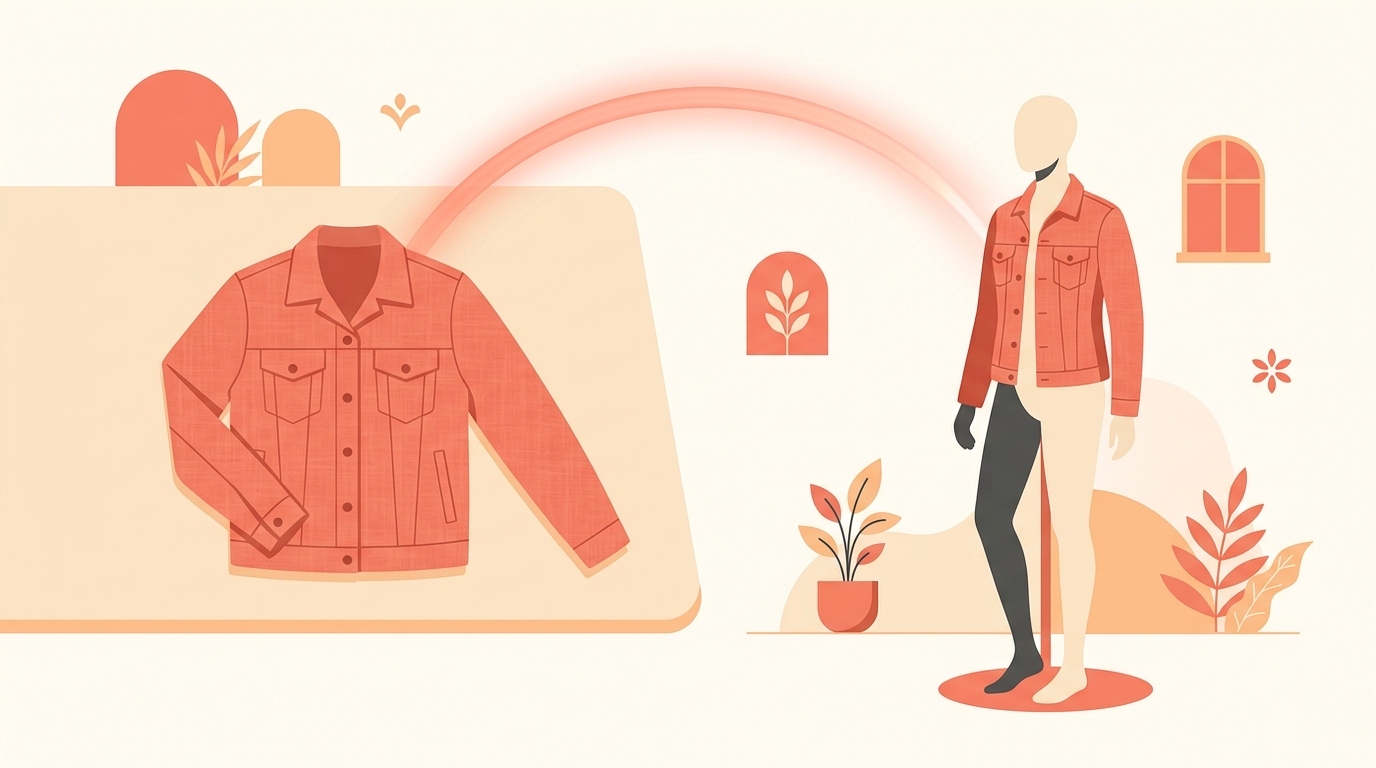
A shoot is a day and a budget: a model, a space, a photographer, and a week of waiting for edits. For a seller with forty products and a phone, that maths never works, which is why so many small catalogues are flat-lay photos on a bedsheet.
Virtual try-on in the Instoly AI Studio takes one product photo and puts the product on a person, in a reel, carousel or square, generated in a batch. It does not replace a real shoot, and we would not pretend otherwise, but it changes what you can put up on a Tuesday.
What does virtual try-on actually do?
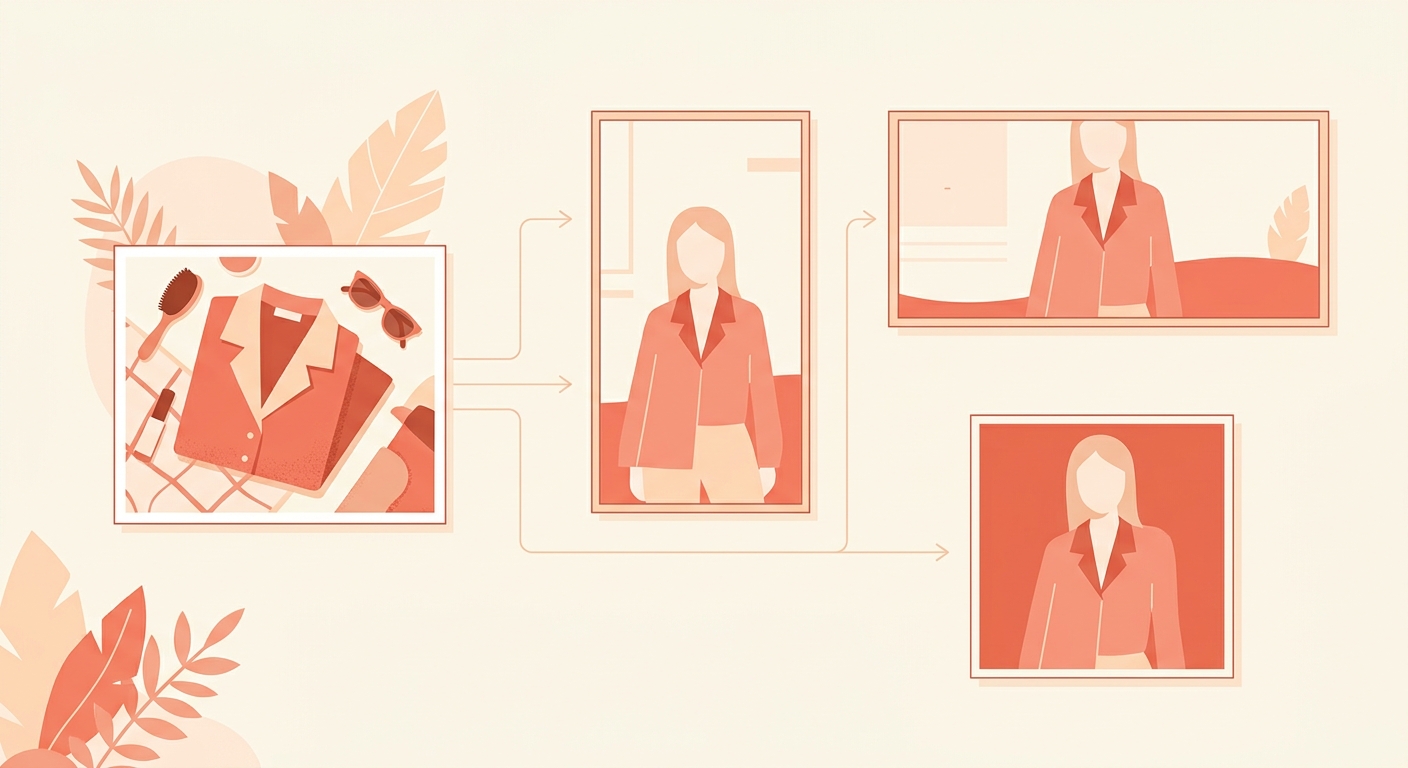
It generates an image of your product being worn or used, from a photo you already have. The point is not novelty. It is that a product shown on a person outperforms the same product photographed flat on a bedsheet, and until now getting that image meant booking somebody and waiting on their calendar.
You can generate for the three shapes you actually post in, so one product can become a reel cover, a carousel slide and a square for the grid without three separate setups.
What does a generation cost?
One AI image credit, and only when it succeeds. A failed generation costs you nothing: the credit goes straight back to your balance, without you having to notice it or ask us for it.
The free plan includes two of these a month, Pro ten and Business twenty, and you can top up. AI Studio is open on the free plan for a limited time rather than permanently, so we would try it now rather than plan a year of content around it.
What is it good at, and what is it not?
In our own use it is strongest where the product reads clearly in the original photo and the job is context rather than detail: showing scale, showing something worn, filling a grid while the real shoot is still being planned.
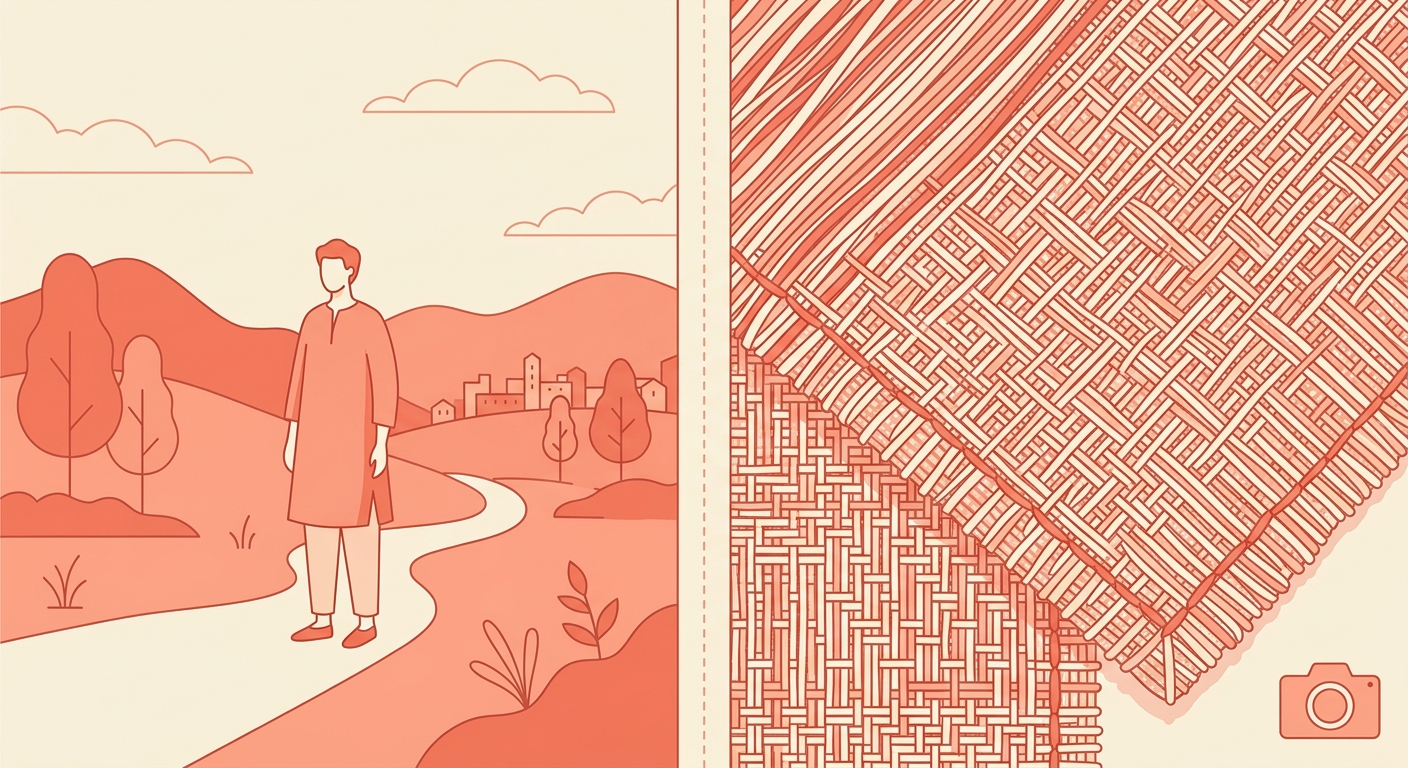
It is weakest exactly where you would expect. Fine texture, embroidery, fabric fall and anything where a buyer will zoom in to judge quality still deserve a real photograph. If the detail is the reason someone buys, photograph the detail.
- Start from your sharpest product photo. Nothing downstream fixes a soft, badly lit original.
- Keep the product isolated in the source image, without a busy background competing with it.
- Generate a few and pick one, rather than accepting the first and hoping.
- Use it for the top of the funnel, and keep real photographs for the product page where people decide.
There is a workflow reason to care about the source photo too. The generator is working from what you give it, so an hour spent shooting ten clean product photos against a plain wall pays for itself across everything you generate afterwards. We would treat that hour as the shoot, and the generations as the output of it.
Should you say an image is AI?
We would, plainly, and not only because platforms label AI content anyway. A buyer who finds out afterwards that the photo was generated has learned something about you that no single post is worth.
Saying it costs less than people fear. "Generated, so you can see the fit" is a normal sentence, and in our experience it reads as confidence rather than apology. There is more on how these labels work in AI labels on Instagram profiles.
The generated image is a preview of the product. It is not evidence of the product.
We would also keep one honest photograph of every product somewhere a buyer can reach. A generated preview earns the tap; the real photograph is what stops the return, and in our experience the sellers who get this wrong are the ones who never took the second picture.
Where does this fit beside the DMs?
It is the front of the same loop. A generated image gets the post made, the post pulls the comments, and the flow answers each one with the link. The people who get the most out of Instoly are usually the ones who stopped treating content and replies as two separate jobs.
If the replies half is new to you, we walked through it in how to auto-reply to comments with a link.
What is virtual try-on?
It generates an image of your product being worn or used, starting from a single product photo, in reel, carousel or square shapes.
What does one image cost?
One AI image credit, charged only when the generation succeeds. A failed generation returns the credit to your balance automatically.
How many do I get on the free plan?
Two AI image credits a month on free, ten on Pro and twenty on Business, with top-ups available if you need more.
Can I use a generated image for a brand campaign?
Ask the brand first. Many have their own rules about AI imagery, and finding that out after the campaign is worse than asking before it.
Will people know the image is generated?
Often, yes, and we would say so anyway. A short line explaining that it is a generated preview reads better than being asked about it later.
Instoly is not a camera, and a generated photo is a preview rather than proof. Used that way, it gets a small catalogue posted instead of waiting for a shoot that keeps being postponed.
The takeaway
One photo becomes an on-body preview. Charged only when it works, and worth labelling when you post it.
Sources
Built for Instagram creators.
Instoly answers comments on your posts and reels with an automatic DM, through Instagram's official API. It also gives you a Store for the link in your bio, AI Studio for captions and try-on, and invoices built from your posts. The free plan includes 1,000 DM & comment credits a month.
Start free