

Shoppable reels in India: how to add products to a reel
You can now tag up to 30 products in a reel, from a brand's catalogue or a pasted product link. Here's how we'd set it up in India, and who qualifies for affiliate commission.
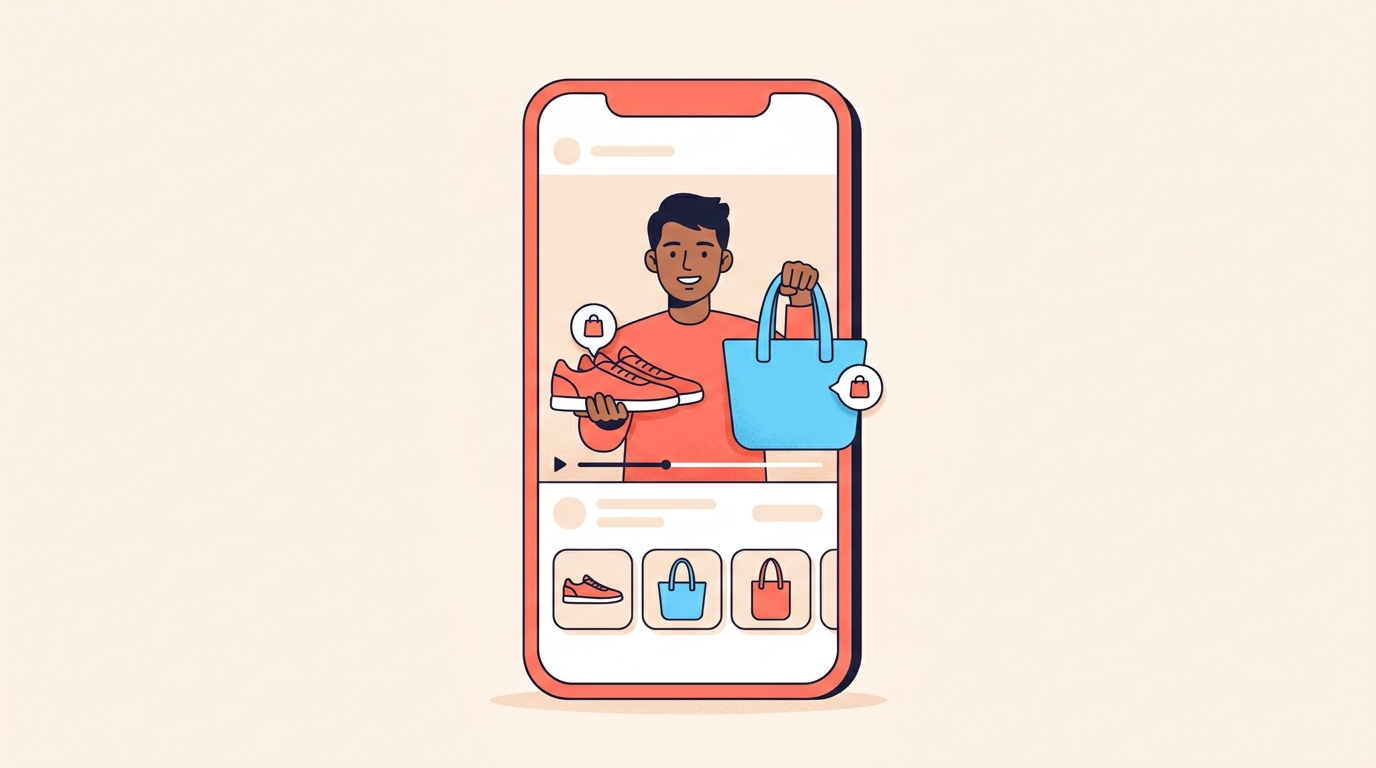
Instagram's Add products for reels, which makes a reel shoppable, is rolling out in India, but some accounts don't have it yet. Where you have it, tap Add products in the Share sheet before you share, then paste a product URL or search a brand's catalogue and tag up to 30 individual products.
We've laid out the steps below, along with the rules that trip people up: every product has to be in a business's catalogue on Meta, affiliate links have to point to one product, and commission only applies to eligible accounts.
What are shoppable reels on Instagram?
A shoppable reel has products tagged in it. When someone likes what they see, they tap to shop and go straight to the partner's app or mobile website.
Instagram now lets you add products in two ways: tag any product from Meta's commerce catalogue, or paste a direct product URL, affiliate links included. Reels with product tags also show up in Partnership Ads Hub, which makes your work more visible to brands.
Are shoppable reels available in India?
Yes. Add products for reels is rolling out in India, along with the US, Brazil, Indonesia and Thailand, and it's on its way to all 22 of Instagram's commerce markets.
Because it's still rolling out, some accounts in India don't have it yet. If the option isn't in your Share sheet, it may simply not have reached your account.
How do I add products to a reel?
Here's the flow we'd follow:
- Create your reel as usual and go to share it.
- Before sharing, tap Add products in the Share sheet. Depending on your app, it may read Add product.
- Paste a product URL to a specific item, affiliate links included, or search a brand's catalogue and tag a product.
- Add more products if the reel shows more, up to 30.
- Share the reel.
What are the rules for tagging products?
A few rules decide whether a tag works:
- Up to 30 products per reel.
- Individual items only. Collections can't be tagged.
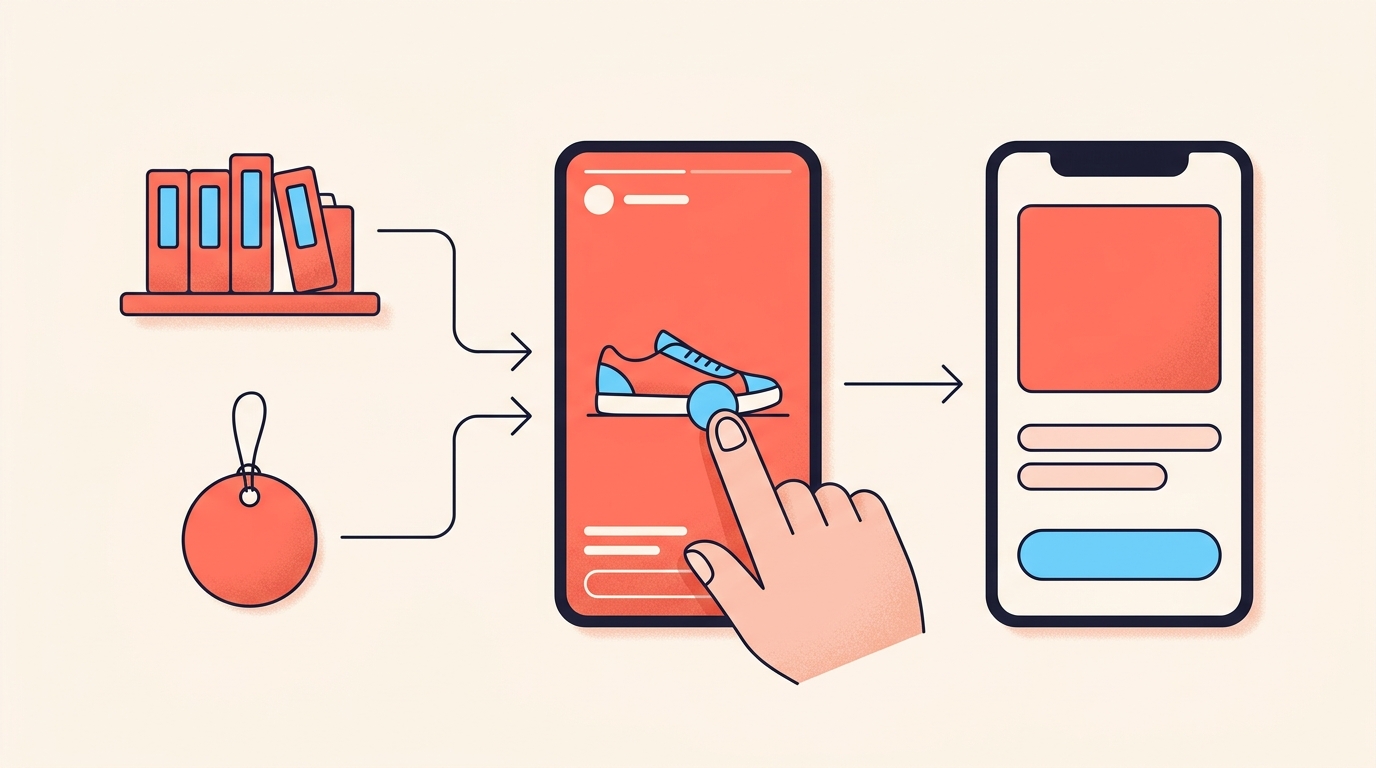
- Every product must be in a business's existing commerce catalogue on Meta, which keeps details like price and availability up to date.
- Affiliate links work as long as the URL points to a single eligible product in a catalogue.
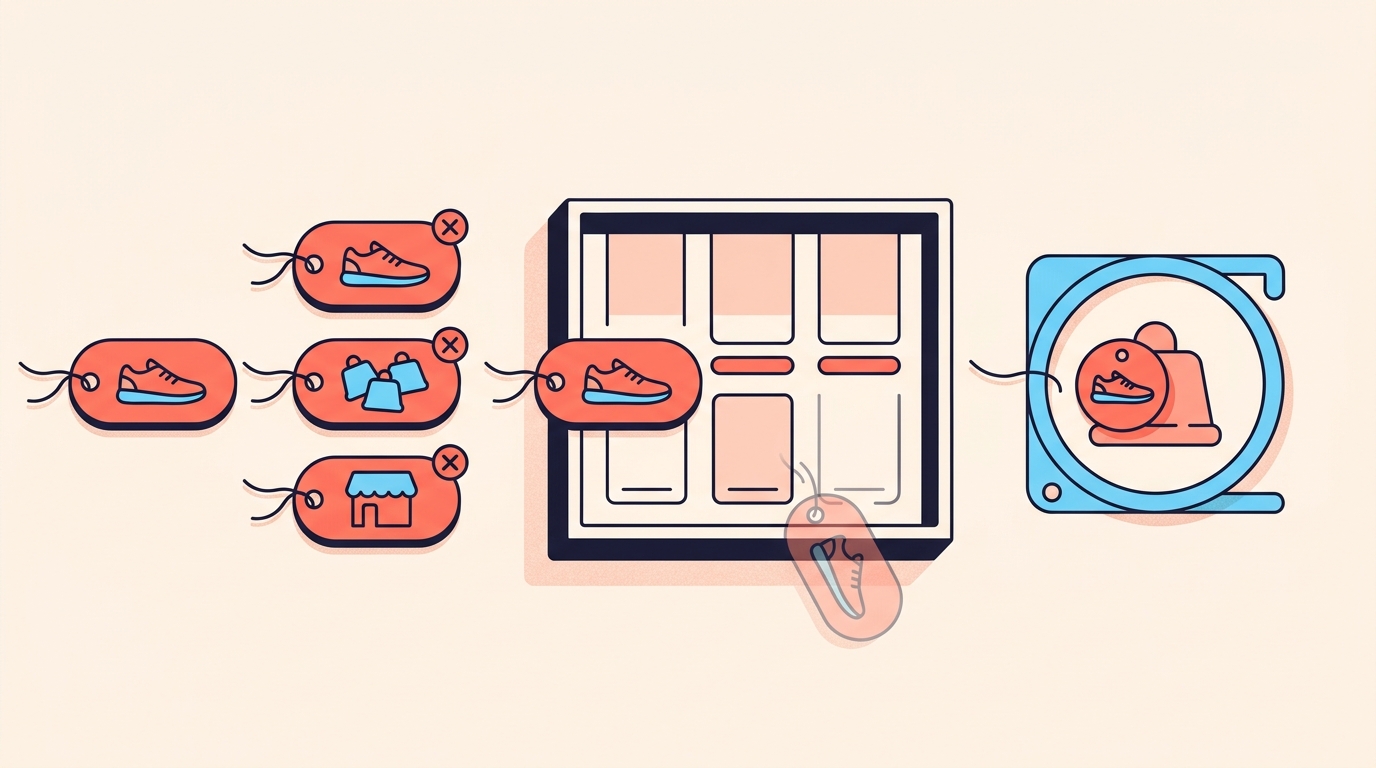
- For affiliate products, Meta hides the tag if the product doesn't appear in the reel, is out of stock or no longer in the partner's catalogue, or fails its commerce integrity checks.
The catalogue rule covers pasted links too. A link to a store's home page or a collection doesn't qualify; it has to lead to one product that sits in a catalogue on Meta.
Who gets an affiliate commission from shoppable reels?
Only eligible accounts. Add products on its own lets you tag any product from a brand's catalogue without joining a partner programme. Commission comes through affiliate partnerships, and you can use both on the same reel.
To use affiliate partnerships on Instagram, you need to:
- Be 18 or older.
- Have a public professional account.
- Have more than 1,000 followers.
- Be in a supported market, as availability varies.
- Follow Meta's monetisation policies, including the Partner Monetisation Policies.
Affiliate partnerships are rolling out gradually too, so an eligible account may not have them straight away. Look under Professional dashboard, then Monetisation, then Affiliate programmes, or tap Add products before sharing a reel and then Affiliate programmes. The affiliate partner pays the commission, not Meta.
One step we'd never skip: content with an affiliate link should carry the Paid partnership label. You don't need to tag a business partner for it.
What's still coming for shopping on Instagram?
Finding affiliate opportunities with Amazon and Shopee directly inside Instagram is on the way, but we haven't seen it arrive yet. The same goes for Add products in the rest of Instagram's commerce markets and more shopping tools. We wouldn't plan a launch around any of these until they show up in your app.
How would we use shoppable reels?
If you're a creator
- Tag what's in the frame. We'd tag the two or three items people can actually see, not everything you own.
- Copy the link from the product page itself, not the store's home page.
- Add the Paid partnership label whenever a link is an affiliate link, and say in the caption that the items are tagged.
- When people comment ‘link?’ or ‘kitne ka hai?’, we'd point them to the tag in the reel.
Thirty products is the limit, not the target.
If you run a small brand
Creators can only tag products that sit in a business's commerce catalogue on Meta. If yours aren't there yet, we'd sort that first and keep prices and stock current, because that's where a tag's price and availability come from.
Selling on Instagram also needs your professional account to meet Meta's commerce eligibility requirements, including being located in a supported country. Once a few tagged reels are live, we'd compare them in Edits to see which held attention; our Edits insights guide has the steps.
Are shoppable reels available in India?
Yes, Add products for reels is rolling out in India, as well as the US, Brazil, Indonesia and Thailand. Because it's still rolling out, some accounts may not see it yet.
How many products can I tag in one Instagram reel?
Up to 30, and each must be an individual item rather than a collection.
Can I add an affiliate link to an Instagram reel?
Yes, paste it through Add products in the Share sheet. The link must point to a single eligible product in a catalogue, and content with an affiliate link should carry the Paid partnership label.
Who can get an affiliate commission on Instagram?
Only eligible accounts. For affiliate partnerships you need to be 18 or older, have a public professional account with more than 1,000 followers, be in a supported market and follow Meta's monetisation policies.
Can I find Amazon affiliate products inside Instagram?
Not that we've seen so far. Affiliate opportunities with Amazon and Shopee directly in Instagram are on the way, so check your app before planning around them.
For everyone who still comments ‘link?’, Instoly can reply with a DM carrying the product link, or an affiliate link with its image and code.
The takeaway
Tag what people can see, keep each link to one product, and label affiliate links as paid partnerships.
Sources
Built for Instagram creators.
Instoly answers comments on your posts and reels with an automatic DM, through Instagram's official API. It also gives you a Store for the link in your bio, AI Studio for captions and try-on, and invoices built from your posts. The free plan includes 1,000 DM & comment credits a month.
Start free