

Instagram Your Algorithm: how to see and change your topics
Your Algorithm shows the topics behind your Instagram recommendations and lets you turn them up or down across Feed, Reels and Explore. Where to find it, and what we'd do about it.

Your Algorithm is an Instagram feature that shows you the topics shaping your recommendations and lets you ask for more or less of each. You open it from the icon with two lines and hearts at the top right of Reels or Explore, and it works across Feed, Reels and Explore, globally in English.
We've looked at it from two sides: as people tuning our own feeds, and as a team that thinks about how creators reach new viewers. Here's how it works, and what we'd change in your posts because of it.
What is Your Algorithm on Instagram?
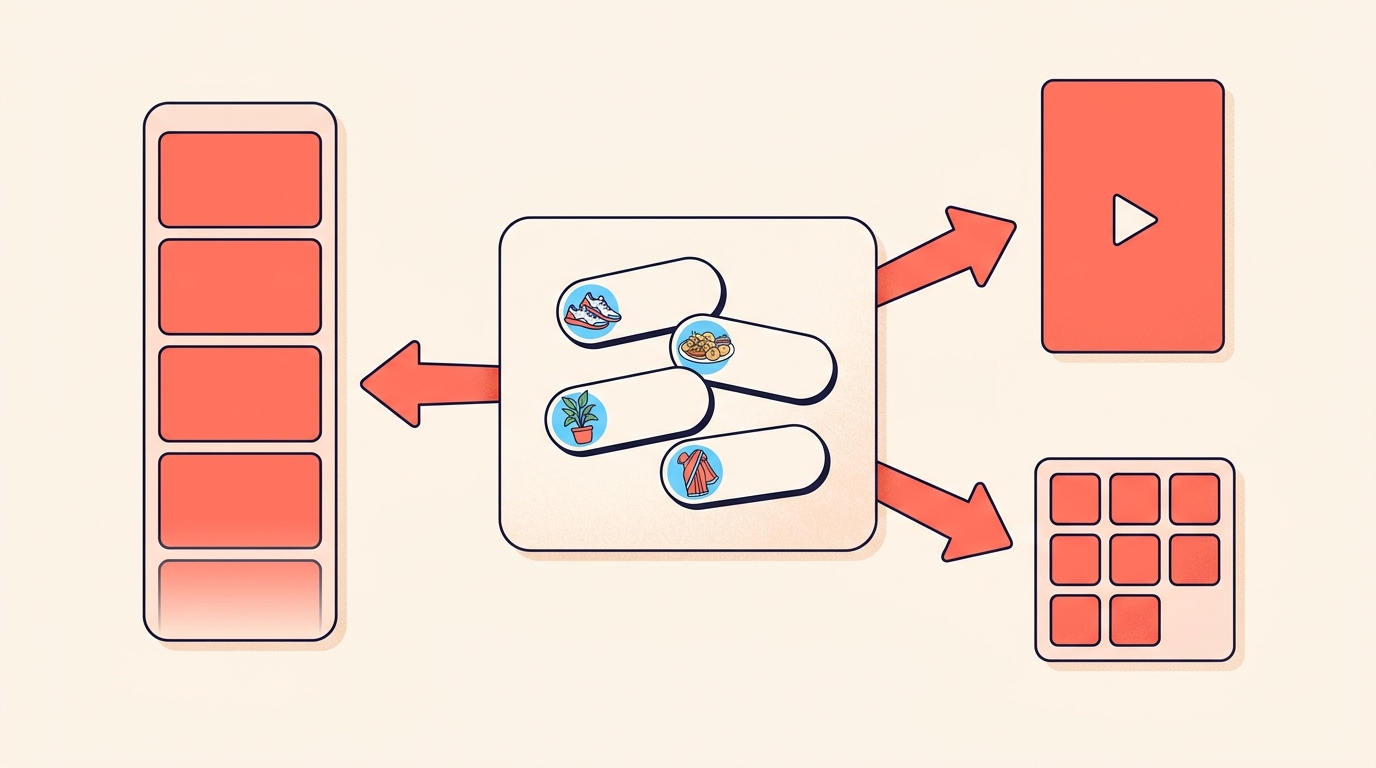
It's a way to see and control the topics driving your recommendations. Open it and you get an AI-generated summary of the topics influencing the posts and recommendations you see. From there you can ask for more or less of any topic, or add new topics entirely.
It's one unified system. When you change a topic, your recommendations update across Feed, Reels and Explore, so there's no need to adjust each one separately.
Viewers can now see the topics steering their feed, and turn them up or down.
Is Your Algorithm available in India?
Yes. Your Algorithm is available globally in English, and that includes India. It started in the Reels tab in the US, then spread to Explore, and now covers Feed, Reels and Explore.
If your app is set to Hindi or another language and you can't find the icon, switching the app to English is the first thing we'd try.
How do I open Your Algorithm?
- Open Reels or Explore.
- Tap the icon in the upper right corner, the one with two lines and hearts.
- Your Algorithm opens with a summary of the topics Instagram thinks you care about most, right at the top.
There's also a route through settings: open Settings and activity, go to Content preferences, and tap Your algorithm.
What can I change in Your Algorithm?
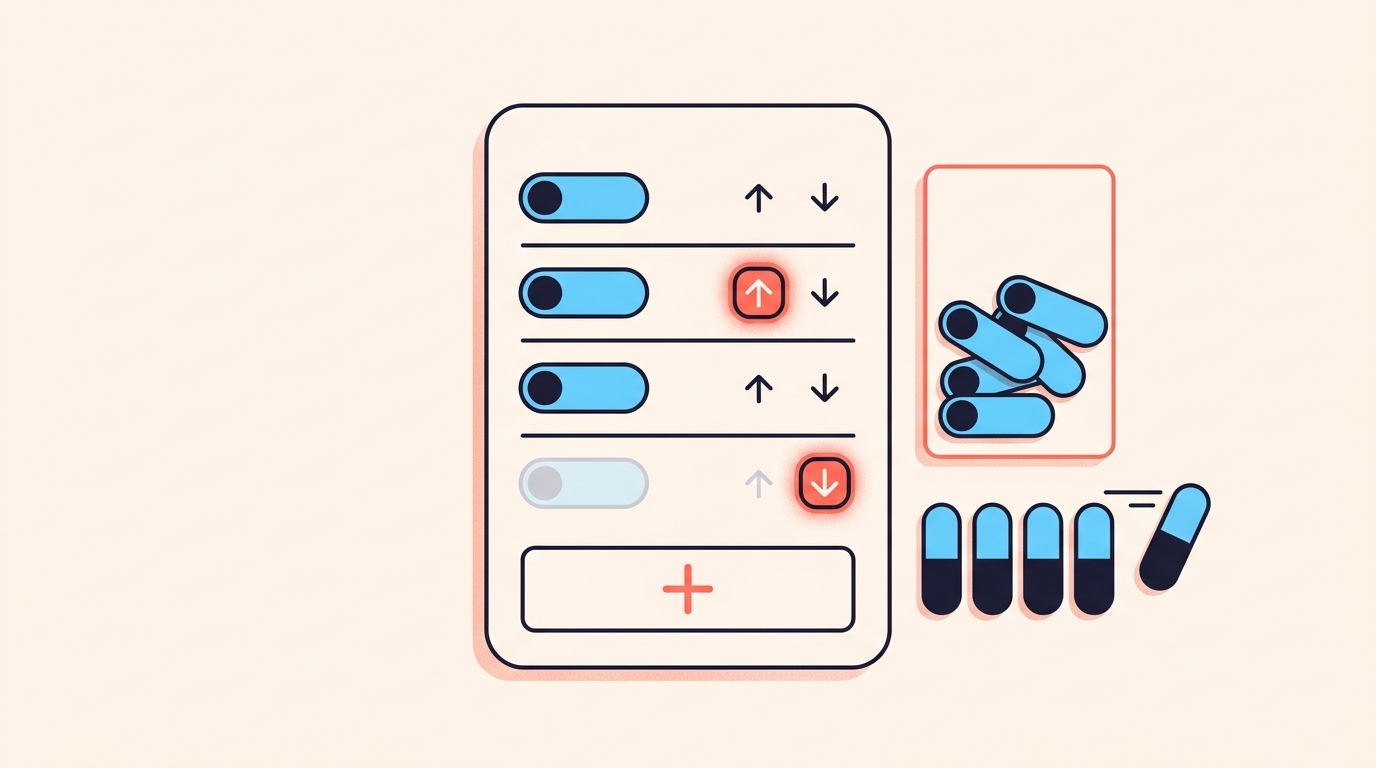
- See your top interests: an AI-generated summary of the topics that most shape what you see.
- Tune your preferences: type in topics you want more or less of, or add new ones.
- Share your algorithm: post your interests to your Story, so friends and followers can see what you're into.
- On Explore, add or remove interests straight from the topic pills at the top of the page.
Your recommendations adapt once you make changes. We'd give it a few days of normal scrolling before judging whether a change worked.
What does a "From …" label on a post mean?
When a post in your feed was recommended because of one of your Your Algorithm interests, it carries a label such as "From Running" or "From Street Style".
Tap the label to see more related content, or to update your preferences as your tastes change.
What does Your Algorithm mean for creators?
Your Algorithm is built for viewers, and how posts get matched to topics isn't public. So here's what we'd do, based on what viewers can now see and change.
Viewers can name the topics steering their recommendations and turn some of them down. We'd plan around four things.
Make the topic obvious, fast
A viewer who arrives through a "From Skincare" label expects skincare. We'd make sure the first frame and the first line deliver exactly that, with no slow warm-up. Our reel hooks post has openings that do this.
Watch your topic drift
Viewers can ask for less of a topic. We don't know how that plays out for any one account, but an account that swings between unrelated subjects gives viewers more chances to meet one they've turned down. We'd keep most posts inside two or three clear subjects and test the rest with trial reels.
Originality still decides who gets recommended
Topics matter where Instagram recommends content, and that's exactly where accounts that mainly post unoriginal content aren't shown. A topic match won't rescue a repost account. Our post on original content rules covers where the line is.
Use it as a mirror, not a map
- Open Your Algorithm on your own account and read how your interests are summarised. It shows you how topics are phrased in the app.
- Browse your niche on Explore and note the plain words on the topic pills.
- If your followers share their interests to Stories, treat that as a free hint about what they want more of.
- Don't read it as a map of how your own posts are classified; that part isn't public.
Where is Your Algorithm on Instagram?
Open Reels or Explore and tap the icon in the upper right corner with two lines and hearts. You can also get there through Settings and activity, then Content preferences, then Your algorithm.
Is Instagram's Your Algorithm available in India?
Yes. Your Algorithm is available across Feed, Reels and Explore globally in English, which includes India.
Do I have to change Reels and Explore separately?
No. Your Algorithm is one unified system, so when you change the topics you want more or less of, recommendations update across Feed, Reels and Explore.
What does "From Running" mean on an Instagram post?
It means the post was recommended to you because of one of your Your Algorithm interests, in this case running. Tap the label to see related content or update your preferences.
Does Your Algorithm change reach for creators?
There's no public detail on that. The feature is built around what viewers see, so any effect on creators is a guess, and the safest move is to make each post's topic clear.
Your Algorithm gives viewers a dial they didn't have before. For creators, the sensible response is an old habit made sharper: be clear about what each post is about, and deliver it quickly.
When the right viewers find your post and start commenting, Instoly can send each of them a DM, and only people who commented ever get one.
The takeaway
Viewers can now steer their own topics. Make every post's subject obvious from the first second.
Sources
Built for Instagram creators.
Instoly answers comments on your posts and reels with an automatic DM, through Instagram's official API. It also gives you a Store for the link in your bio, AI Studio for captions and try-on, and invoices built from your posts. The free plan includes 1,000 DM & comment credits a month.
Start free