

Pin, hide, restrict: how to keep your Instagram comments in order
Pinning puts the comment you want read at the top. Hiding, Restrict and Limits deal with the ones you would rather not. What each does, what the other person sees, and which to reach for first.

Once a post gets traction, the comments section stops being a conversation and starts being a space you have to look after. Three tools do most of the work: pinning, hiding, and Restrict.
They are easy to mix up, and what the other person can see is different for each. Here is what each one does and how we decide which to use.
What does pinning a comment do?
Pinning puts a comment at the top of the thread, so it is the first thing a reader sees. Instagram first announced the feature as a test on 12 May 2020, saying it "gives people a way to set the tone for their account and engage with their community."
That tells you how to use it. Pin the comment that sets the tone: a good question you have answered, a kind line from someone who clearly used what you made, or a note from you with the one thing people keep asking.
Do not pin to look busy. A pinned comment is the closest thing a comments section has to a headline, so make it the line you would want a stranger to read first.

How do you pin a comment?
Hold the comment, then tap the pin (thumbtack) icon. One guide to the feature, last updated in January 2023, describes it as: "Choose a comment and hold it for 2 seconds" and then "Tap the Thumbtack icon to pin the comment." Menus move around between app versions, so if your screen differs, look for the pin option when you press and hold.
The same guide says you can pin three comments on one post. That limit comes from a third-party write-up and not from Instagram's own help pages, so check it against what your app lets you do.
Hide, restrict or limit: which one when?
These three look alike and do very different things.
| Tool | What it does | What the other person sees |
|---|---|---|
| Hide a comment | Hides a comment under your own post. You can only do this on your own posts. | Instagram says the comment is visible only to you and the commenter, and the commenter cannot tell it has been hidden. |
| Restrict | Quietly limits one person. Their comments on your posts are visible only to them. | Instagram says their comments on your posts will only be visible to that person. |
| Limits | Temporarily hides comments and message requests during a spike of unwanted attention. | Instagram describes it as limiting unwanted interactions for a period of time. |
In our experience the order matters. Hide the single rude comment. Restrict the person who keeps doing it, so their comments are seen only by them. Turn on Limits when a post gets sudden attention from people you do not know.
One detail worth knowing: hidden comments still count. Instagram's help page says they "are still included in your total comment count."
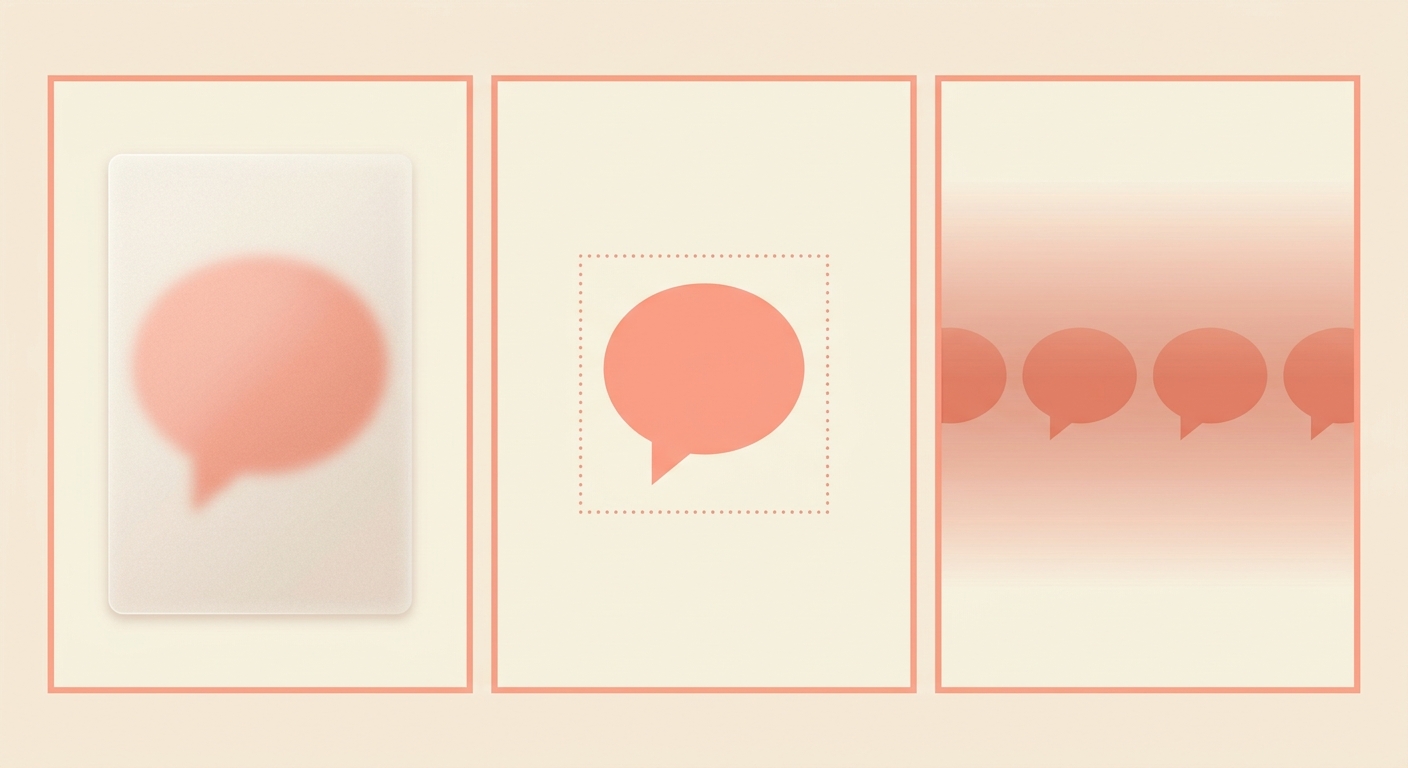
Can you filter comments before you ever see them?
Yes. Hidden Words filters comments and message requests that may be inappropriate or offensive, and lets you add your own words to hide. It works before you have to look at the comment, which makes it a better first defence than clearing things by hand.
Instagram's help page says words you add "will be hidden from comments in posts that you share and message requests." Start with a short list: the handful of words you never want under your work.

A simple order for a busy post
For a post that is taking off, we would work down this list.
- Turn on Hidden Words with your own short list before you post.
- After posting, pin the one comment or note that sets the tone.
- Hide a single rude comment as it appears.
- Restrict a person who keeps coming back.
- Use Limits if the post is suddenly reaching people you do not know.
None of this is about silencing people who disagree. A fair criticism is part of the conversation. These tools are for the comments that were never meant as a conversation.
And if you want the repeat questions answered so they do not clutter the thread, a keyword reply does it. Comment PINNED on our post and we will send you the checklist.
Questions people ask
How do I pin a comment on Instagram?
Press and hold the comment, then tap the pin icon. One 2023 guide describes holding the comment for two seconds and tapping the thumbtack. Menus change between versions, so look for the pin option on your own screen.
How many comments can I pin?
A third-party guide says three on one post. We could not confirm that on Instagram's own pages, so check your app.
Does the person know when I hide their comment?
Instagram says manually hidden comments are visible only to you and the person who made them, and the commenter cannot see that it has been hidden.
What does Restrict do?
When you Restrict someone, their comments on your posts will only be visible to that person, per Instagram.
Do hidden comments still count?
Yes. Instagram says hidden comments are still included in your total comment count.
The takeaway
Pin the line you want read first, hide the single rude comment, restrict the repeat offender, and set Hidden Words before you post.
Sources
Built for Instagram creators.
Instoly answers comments on your posts and reels with an automatic DM, through Instagram's official API. It also gives you a Store for the link in your bio, AI Studio for captions and try-on, and invoices built from your posts. The free plan includes 1,000 DM & comment credits a month.
Start free