

How to schedule Instagram posts and Reels from the app
Instagram lets public accounts schedule posts and Reels up to 30 days ahead, 25 a day. The steps, what does not work with scheduled content, and what Meta One changes.

Planning a week of posts in one sitting is easier than posting live every day. Instagram has a scheduler in the app. Here is what its Help Centre says about it.
Search results sometimes say other things, for example a different account type or day limit. We went by Instagram's own page.
Who can schedule, and how far ahead?
The Help Centre says: "You must have a public account on Instagram." And: "If you have a public Instagram account, you can plan ahead by scheduling reels, photos and carousel posts from the Instagram app."
The limits are on the same page: "You can schedule up to 25 posts a day, up to 30 days in advance."
How do you schedule a post or Reel?
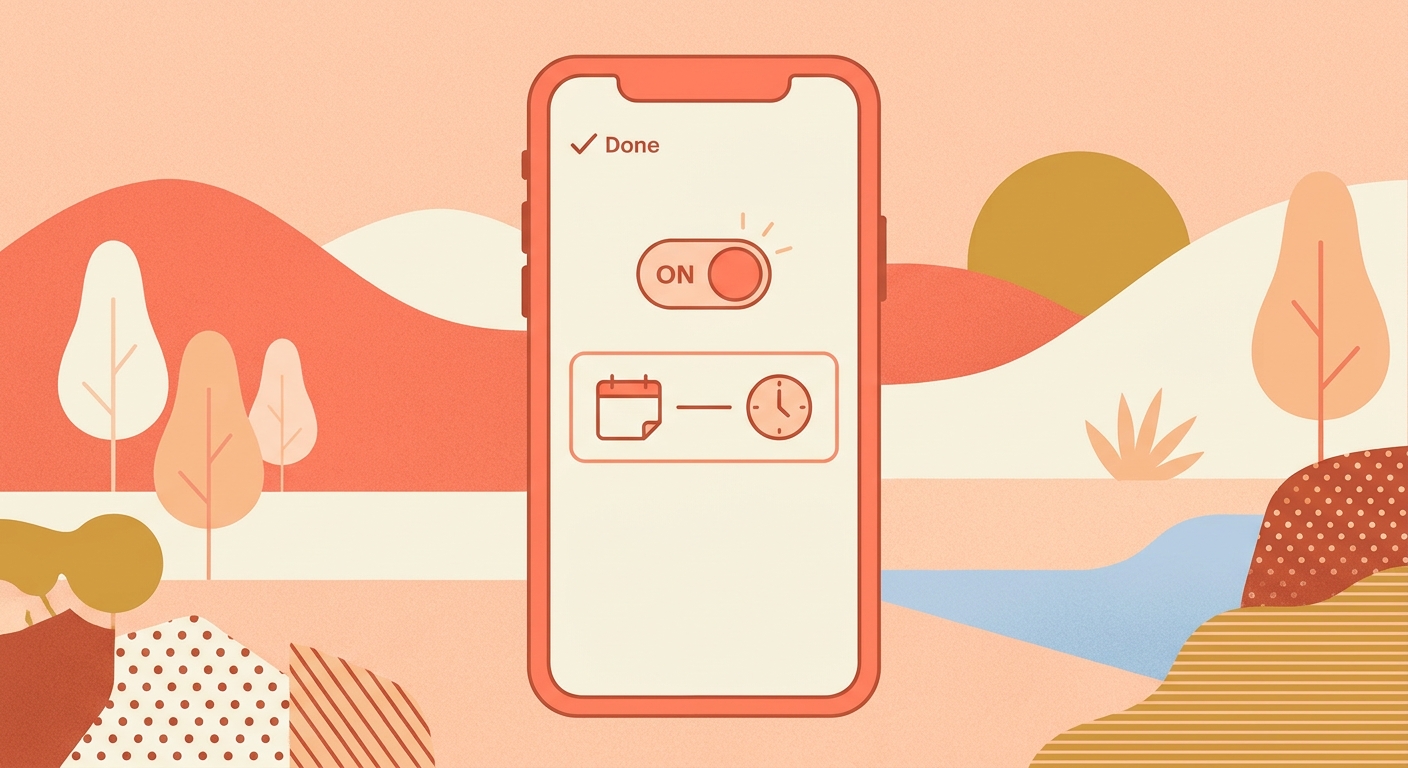
The Help Centre steps are: Create, then Post or Reel, then More options. Turn on Schedule this post or Schedule this reel, pick a date and time, tap Done, go Back, then tap Schedule.
To change your mind, the page says you can manage scheduled content from Scheduled content under Your insights and tools. The options are Delete, Edit post, Reschedule and Share now.
- Make sure the account is public.
- Pick the date and time inside the 30-day window.
- Open Scheduled content to reschedule or share now.
What does not work with scheduled content?
The Help Centre warns: "Features like product tagging, collaborative posts, sponsored posts and fundraisers aren't compatible with scheduled content at this time."
So if a post needs a product tag or a collaborator, plan to post it live, or check how your app behaves before relying on it.

Does a subscription change the limit?
Meta's help page says: "You can schedule posts and reels up to a year in advance if you have an eligible public Instagram account with a Meta One subscription. This feature is not available to teens."
It adds: "Without a subscription, you can schedule content up to 30 days in advance. With a Meta One plan, you can schedule content up to a year (365 days) in advance." And: "This feature is available with the Meta One Advanced, Meta One Expert and Meta One Max plans."
We did not look at third-party scheduling tools in this post, so we make no claims about them.
Questions people ask
Do I need a professional account to schedule on Instagram?
The Help Centre we read says you must have a public account on Instagram.
How many posts can I schedule?
The Help Centre says up to 25 posts a day, up to 30 days in advance.
Can I schedule Reels?
Yes. The Help Centre says you can schedule reels, photos and carousel posts from the Instagram app.
What does not work with scheduled posts?
The Help Centre says product tagging, collaborative posts, sponsored posts and fundraisers aren't compatible with scheduled content at this time.
Can I schedule further ahead?
Meta's help page says Meta One Advanced, Expert and Max plans allow scheduling up to a year, 365 days, in advance.
The takeaway
Instagram lets public accounts schedule posts and Reels in the app, 25 a day, up to 30 days ahead.
Sources
Built for Instagram creators.
Instoly answers comments on your posts and reels with an automatic DM, through Instagram's official API. It also gives you a Store for the link in your bio, AI Studio for captions and try-on, and invoices built from your posts. The free plan includes 1,000 DM & comment credits a month.
Start free